Search results for photoshop brushes
Contour lines are used in Geography to create topographic maps that show the elevation of a landscape. The contour lines create a series of concentric shapes which—aside from their important role in mapping—look pretty cool! In today’s Illustrator tutorial I’ll show you how to make use of the Blend tool to create a series of contour line style shapes. This tutorial not only creates a great contour map effect, it might also open up ideas for all kinds of intricate background designs based on the same process.
One of the most satisfying uses of Adobe Illustrator is to transform your rough pencil sketches into colourful illustrations. It’s great to see your concepts come to life with crisp linework and bold colours, but sometimes the result can be a little disappointing when the vector art just doesn’t have the punch you had hoped for. Follow this step by step process to discover some of the simple techniques I’ve learnt that really help give your illustrations that pro look.
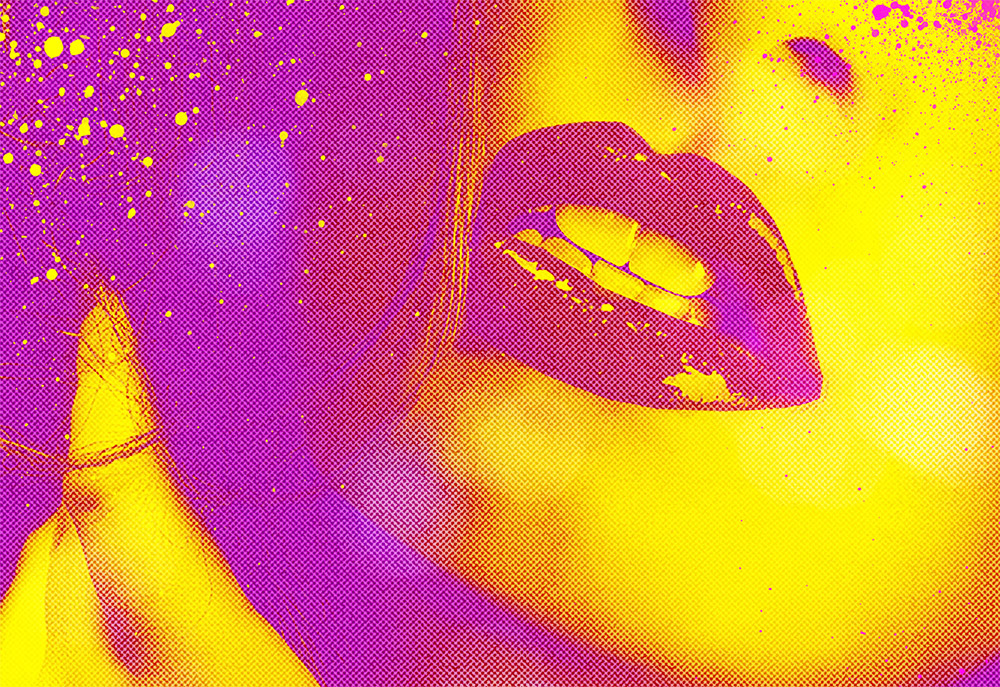
In today’s Photoshop tutorial we’re heading straight back to the 80s to play with vibrant fluoro colours. It has become a popular trend to convert the colours of modern day photographs into oversaturated fluorescent style hues to create intense sensual images. In this tutorial I’ll show you how to quickly recreate this duotone effect, then we’ll take the design to the next level with some additional tweaks to give it a modern pop art twist.
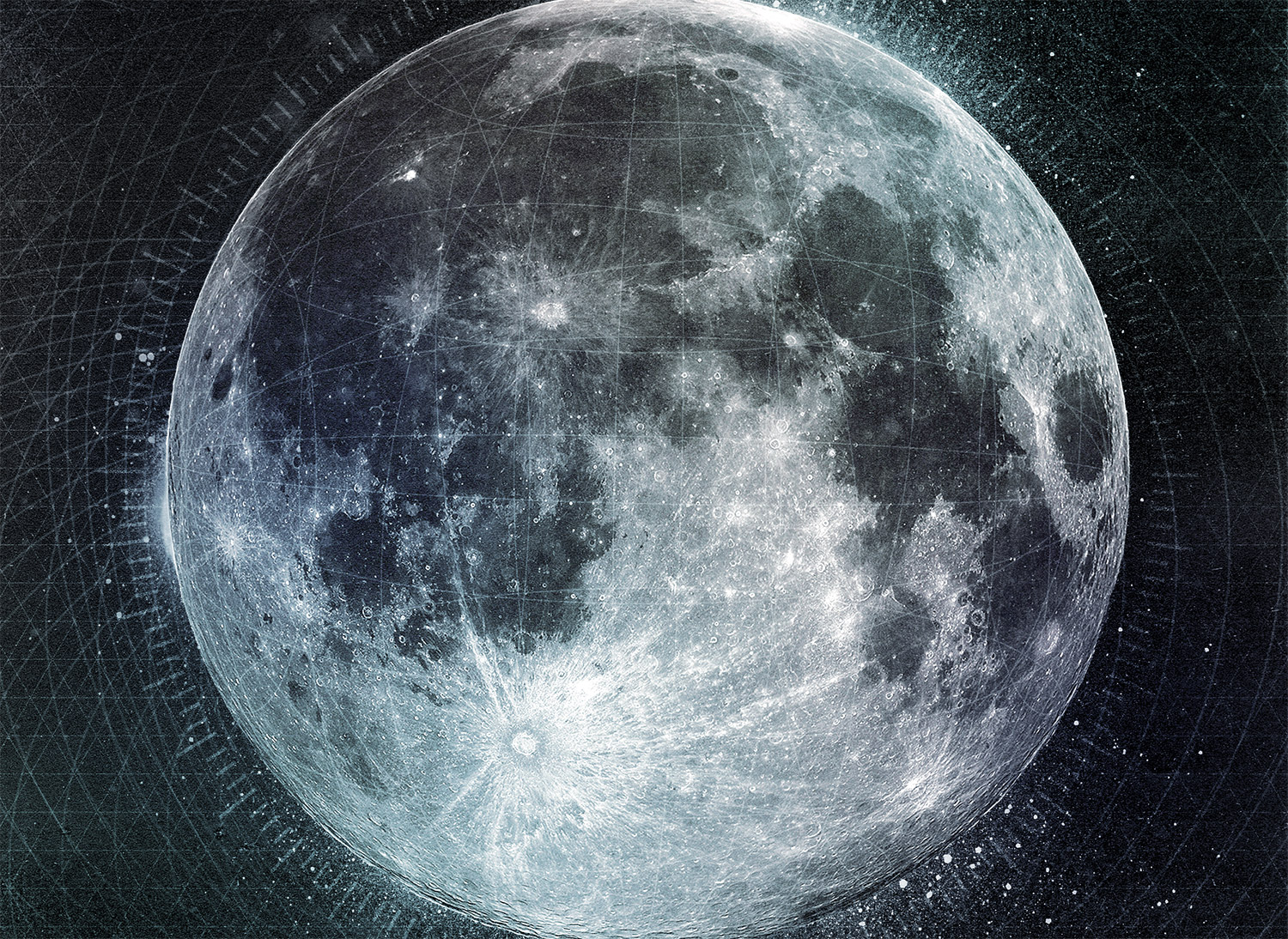
In today’s tutorial I’m going to take you through the step by step process I used to create a dark outer space themed poster named Lunar. The artwork combines textures and vector geometric elements to produce an intense layout showing off the beauty of the moon with high tech sci-fi style markings. We’ll be using both Photoshop and Illustrator to make the most of their different capabilities and combine the two different types of artwork into one cool design.
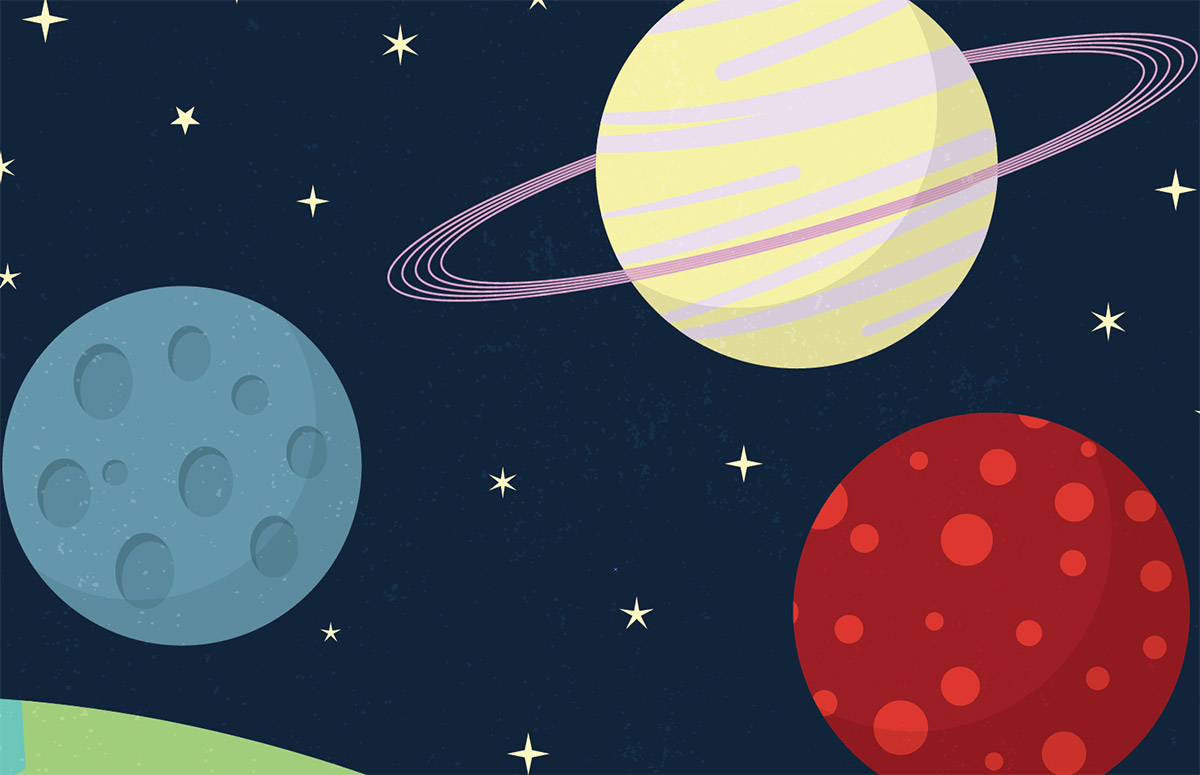
In today’s Adobe Illustrator tutorial we’re going to create a cute cartoon style space scene illustration using simplified vector shapes and solid bold colours. We’ll be using a variety of tools and techniques which makes this a great tutorial for Illustrator newcomers. See how complete illustrations are built by combining lots of individually drawn elements.
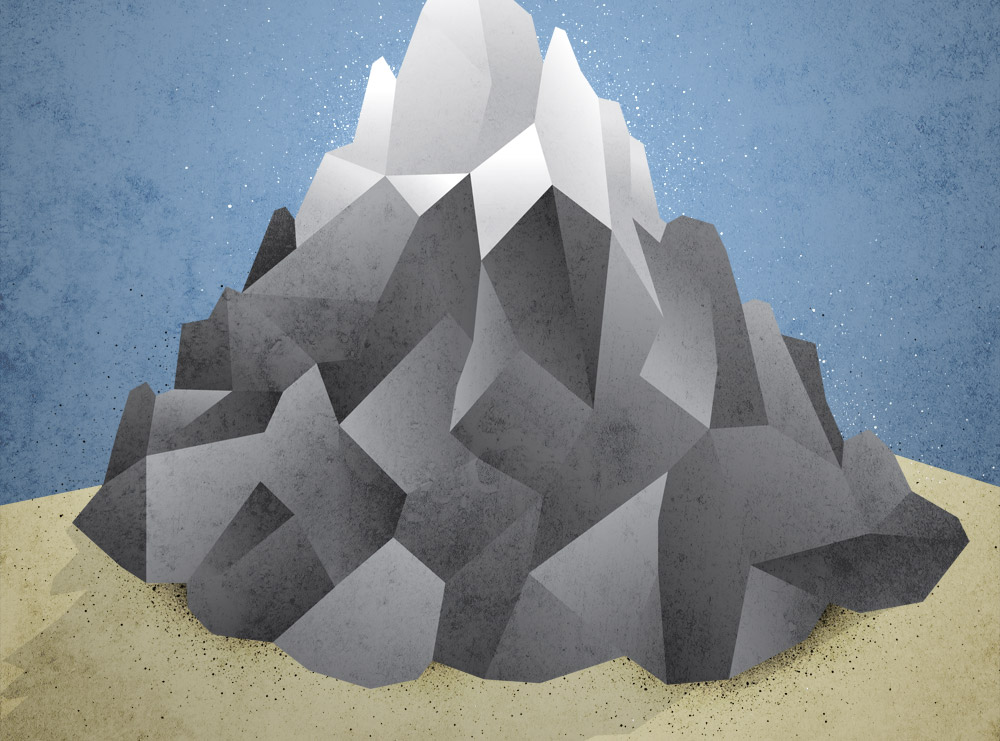
Low poly art would usually be made with 3D applications such as Cinema 4D to build three dimensional models, but we can create similar styles in two dimensions directly in Illustrator. Follow this tutorial to create a cool low poly mountain illustration using vector paths. We’ll add gradients to simulate a 3D effect then take the design into Photoshop to polish it up with cool textures.