Search results for photoshop brushes
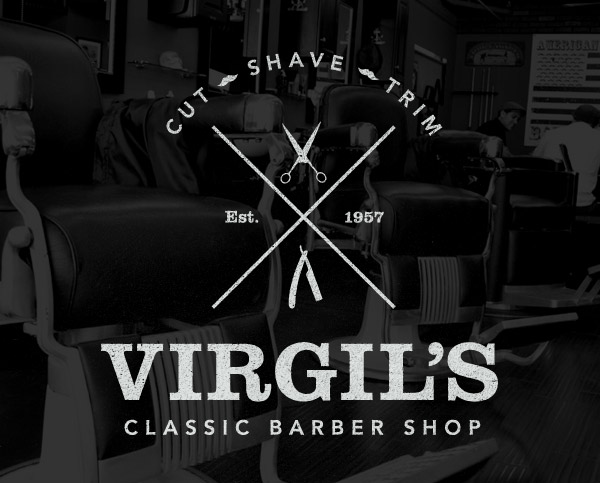
Sometimes it’s fun to create a logo design for a fictional client. Just pick a design style and play around with a concept of your choice without the hassle of the client approval process. This also gives you the chance to experiment with styles and trends you’ve seen around but never had the opportunity to try yourself. In this tutorial we’re going to create a logo design for a classic barber shop using the popular vintage theme. Follow the step by step guide to see how each individual element is crafted in Adobe Illustrator.
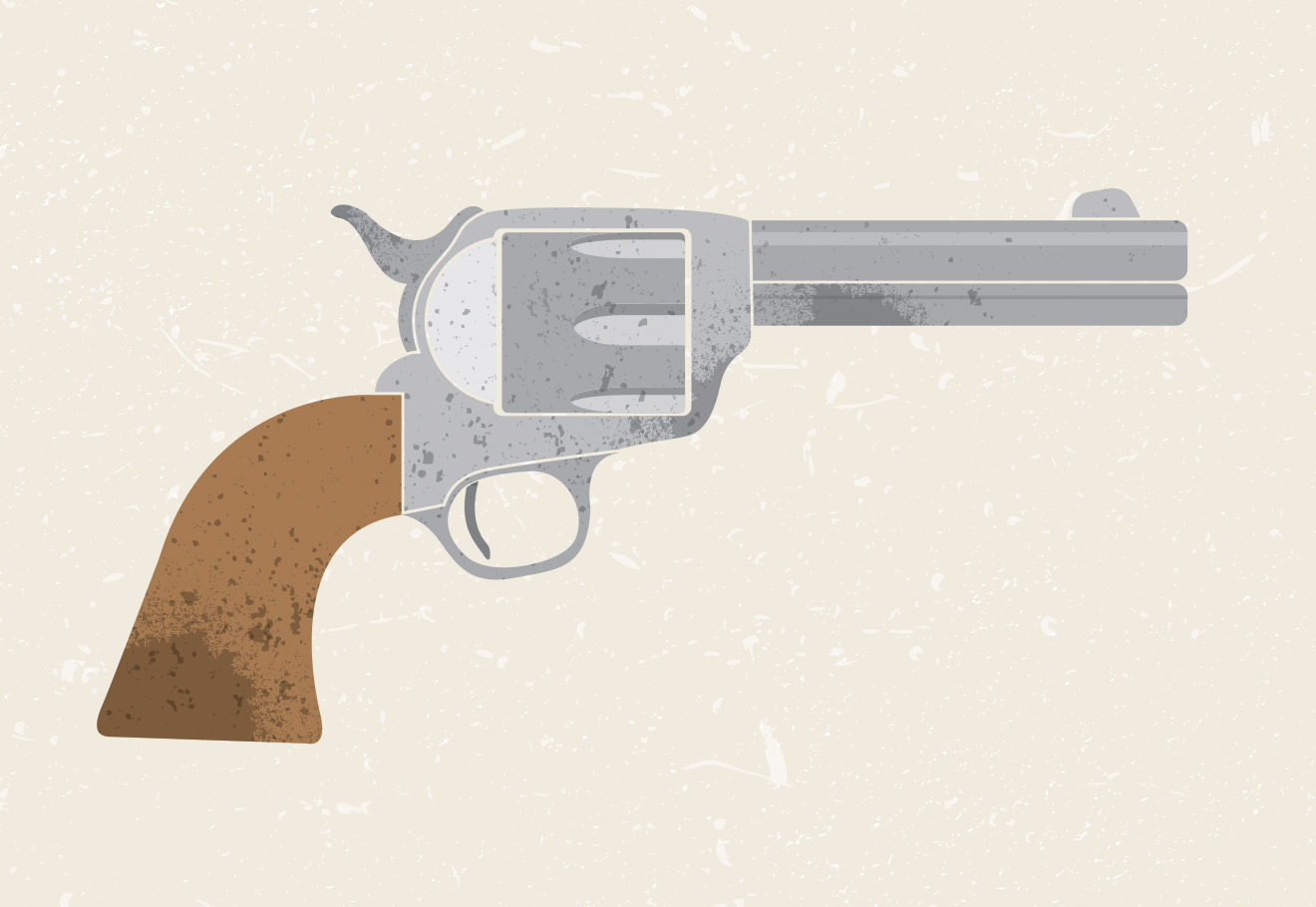
In the past I always saved any texturing work for Photoshop, but recently I’ve been enjoying using vector textures to create cool distressed illustrations directly in Adobe Illustrator. Follow this step by step tutorial to build a textured vector revolver illustration. We’ll use some handy Pen curves to create the linework, fill in the shapes with LivePaint then use some vector textures to create a stylized final appearance.
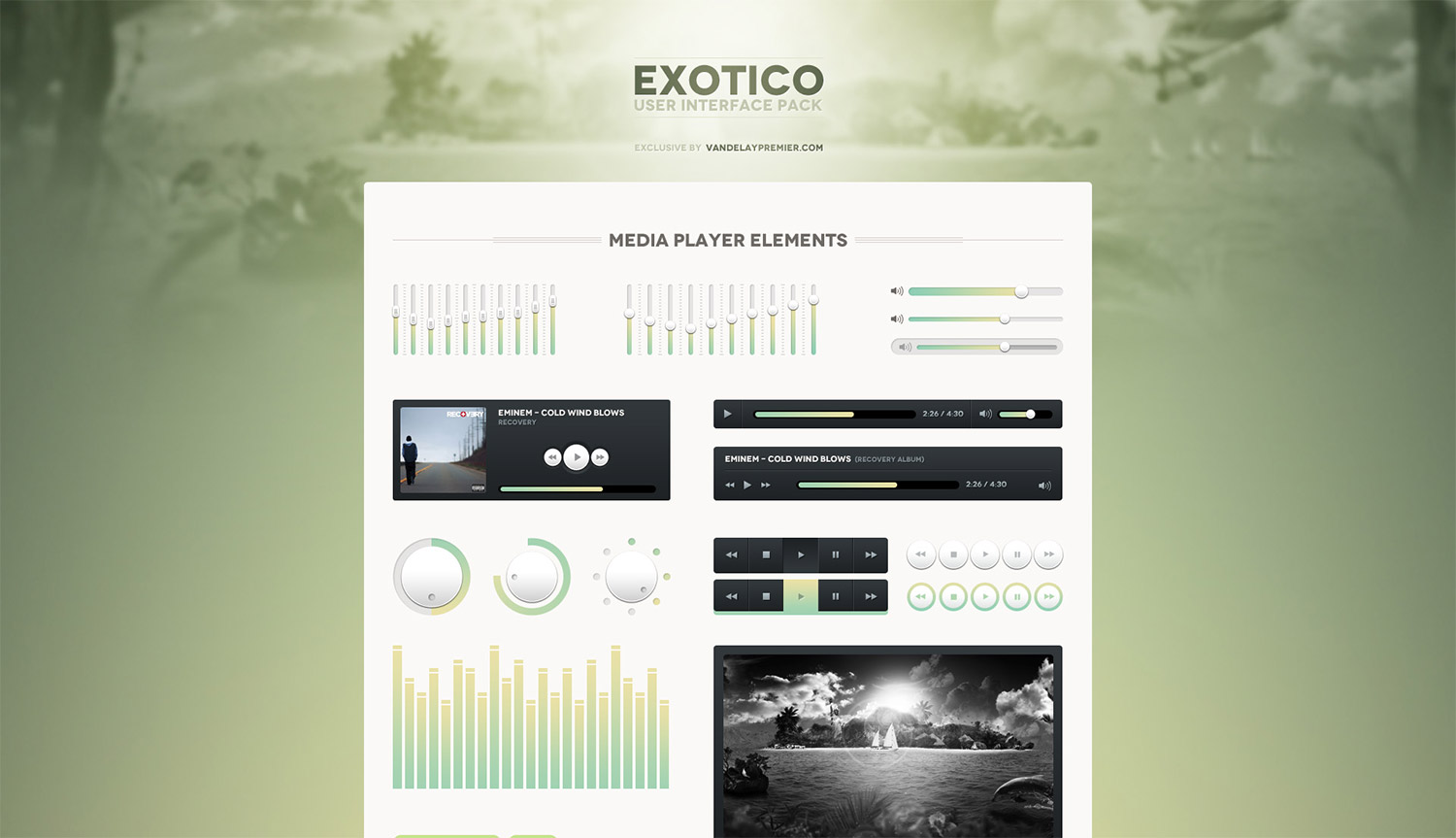
This week Access All Areas members are being treated to another fantastic resource from the Vandelay Premier library. The Exotico User Interface pack is a collection of Photoshop PSD files containing an array of useful buttons, icons and interface elements that can be dragged and dropped into your own design projects.
Follow this step by step tutorial to create a cool abstract lines design with awesome vibrant lighting effects. We’ll use Illustrator’s easy tools to create the vector linework then add a range of glows, colours and effects in Photoshop to finish the design with a cool grainy but luminous style.
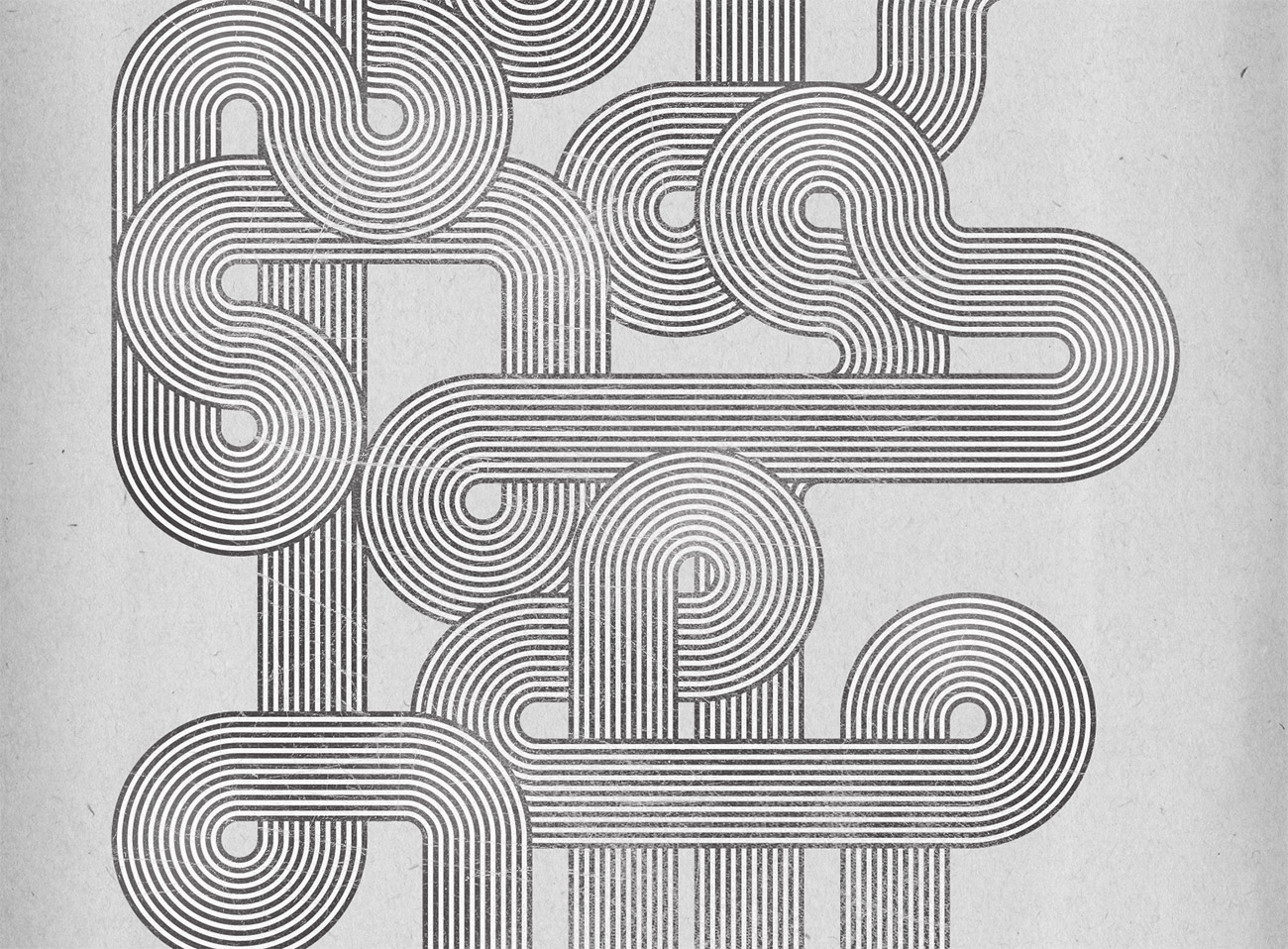
In the recent typography inspiration showcase a design by Jordan Metcalf particularly caught my interest, which reminded me of the design style used in the Mexico 1968 Olympics branding. I decided to combine these inspirations and create my own poster design artwork in a similar style. Follow this step by step tutorial to create a flowing composition of geometric lines based on the retro style of the Mexico 1968 Olympics branding. We’ll use Illustrator’s powerful vector tools to create the pattern, then switch over to Photoshop to weather the design for that awesome retro style appearance.
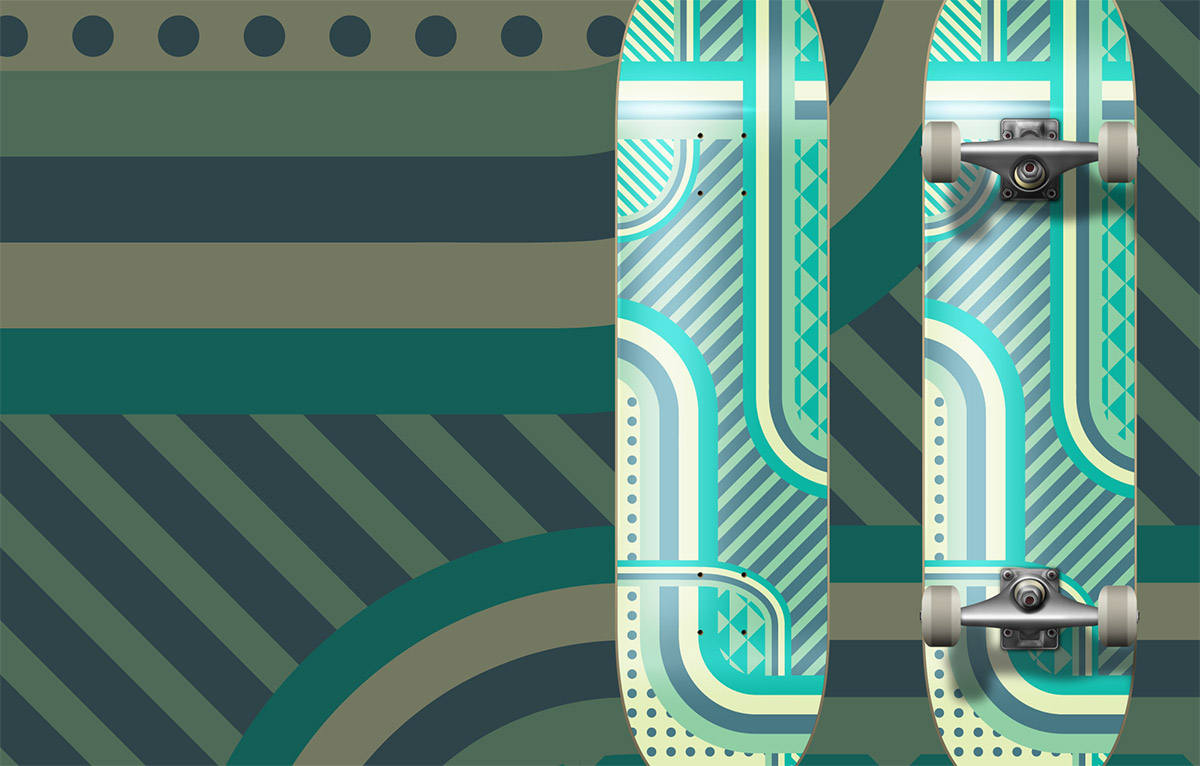
There’s something about designing for unusual applications such as skateboard decks that really makes the design process much more fun. Maybe it’s the unique canvas size that makes things a little more challenging, or just the cool feeling you get when you see it mocked up as a complete deck. Follow this step by step Illustrator tutorial to create a vector patterned deck design with a minimal colour scheme.