Posts tagged textures
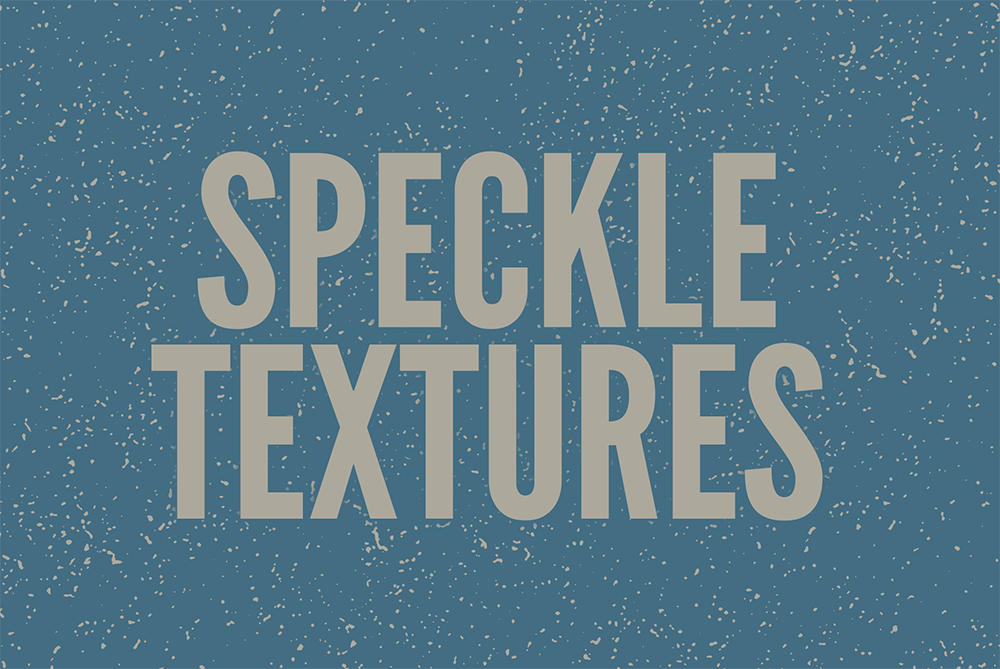
My latest collection of textures has undergone some extensive processing to produce a set of versatile resources that can be used across a wide range of projects. A series of photographs of rust were first equalised to bring out the tiny details, then smoothed to produce an array of speckles with a choice of heavy to light texturing. The hard edges of typical texture files can limit their use, so these speckle textures all smoothly fade out with no abrupt lines. Then, to allow for maximum compatibility and ease-of-use, two sets of PNG files were exported with white and transparent backgrounds.
I recently discovered a fantastic collection of Daguerreotype photographs from the mid-1800s in the public domain, which I’ve transformed into the perfect tools for producing vintage photo effects. I picked the most deteriorated images from over 800 scans and photoshopped out the main subject to leave just the texture of the tarnished metal plate. They are all over 2500px in size with a high resolution of 300ppi and feature a variety of natural stains, scratches and scuffs that will give your modern digital images the authentic appearance of an antique photograph.
I recently came across a neat design on Pinterest which featured a cool background pattern made of distorted lines, which inspired me to experiment with some similar abstract stripe effects of my own. The result is this collection of 10 graphics that you can use as backgrounds for your artwork and designs. Each one features a busy composition of wavy lines, much like the distortion from a photocopier or scanner. The files come in vector and PNG format, so you can use them in all kinds of design applications.
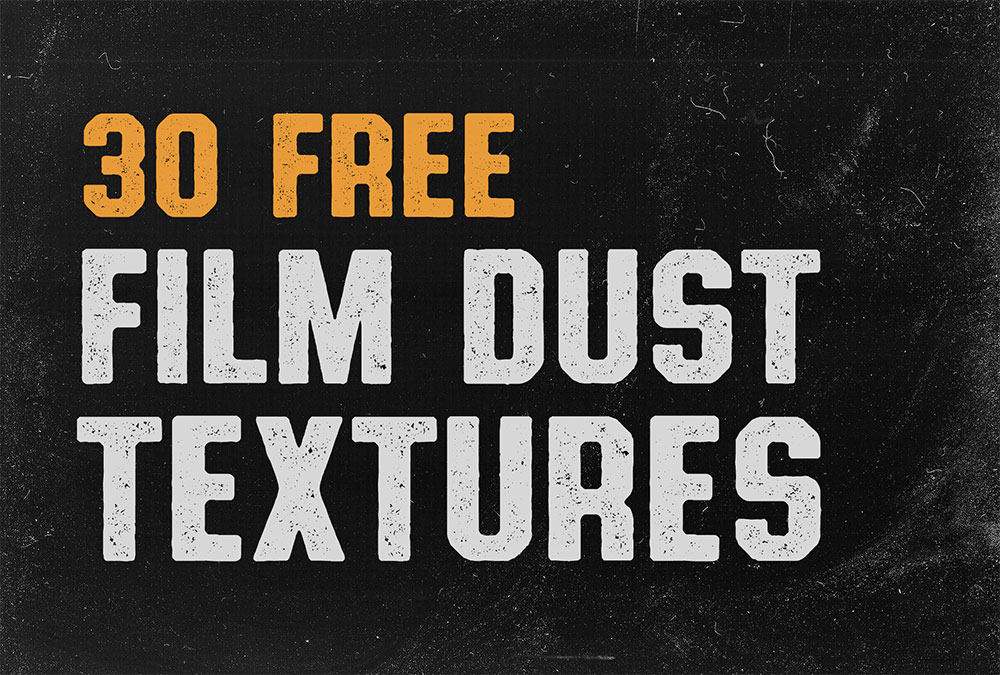
In my latest video tutorial I covered 5 ways you can generate film grain effects in Photoshop. One of my tips was to use an actual film grain texture as an overlay, which achieves a much more authentic result than the uniformity of the built-in noise filters. I’ve been busy making a mess on my scanner to produce a range of film dust effect textures using the dust, fibres and speckles from an old burlap sack. The natural scattering of particles produce a great image that can be used to add dirty effects to your work. Choose from 30 texture images, each with a unique amount and spread of dust to distress your artwork and simulate aged photograph prints.
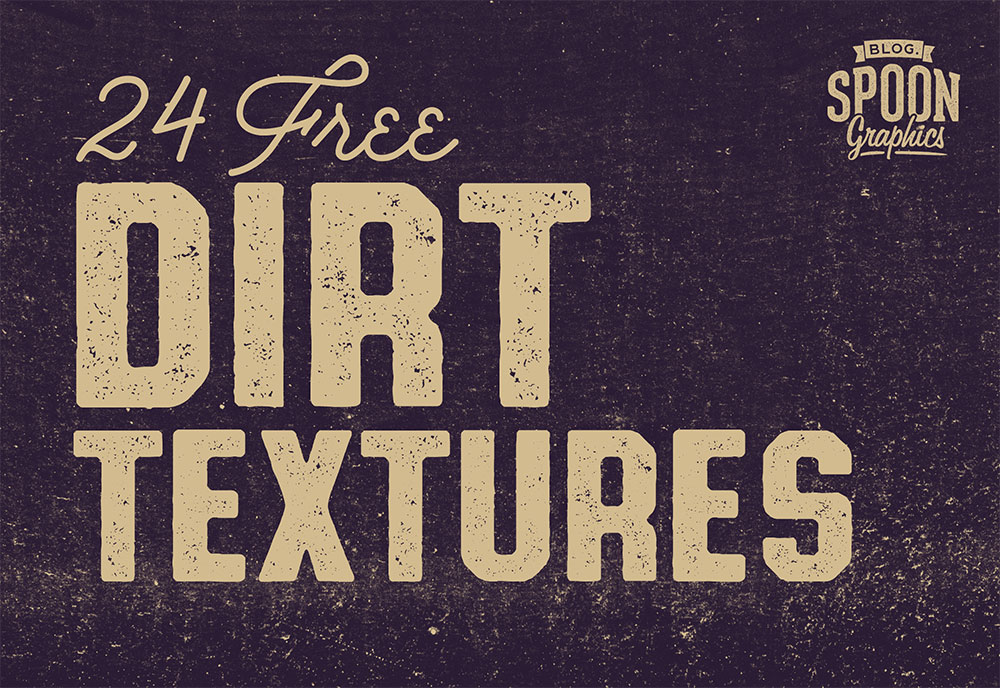
I’ve literally driven miles to produce my latest set of free design resources. These 24 Dirt Textures are created taken layers upon layers of road grime from long motorway journeys, processed into high resolution JPG textures and PNG files with transparent backgrounds. They’re great for adding dirty backgrounds to your designs, or applying to layer masks to distress your artwork. Being taken from real surface grime means these digital resources help you produce authentic effects with intricate details, which just can’t be replicated with built in Photoshop filters alone.
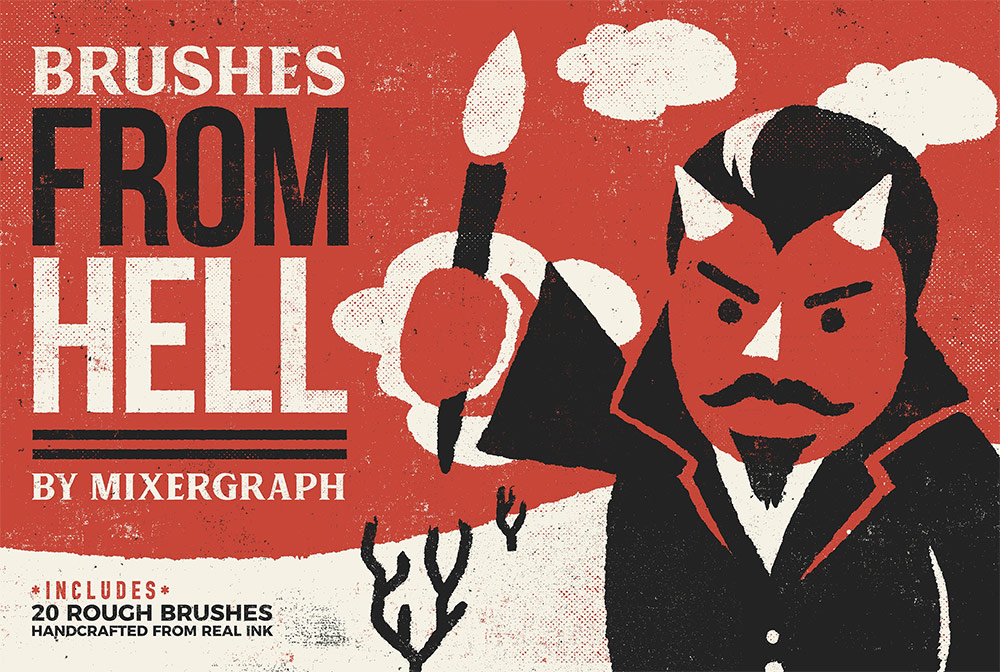
Access All Areas members have a devilish set of Photoshop Brushes and bonus Grit Textures to download this week, courtesy of Mixergraph. These 20 rough brushes have been handcrafted from real ink to simulate analogue print effects. Use them to add distressed outlines and borders to your artwork, and combine them with the selection of bonus gritty textures from the Mixergraph Thrasher Collection to add even dirtier effects to your designs.