Posts tagged stipple
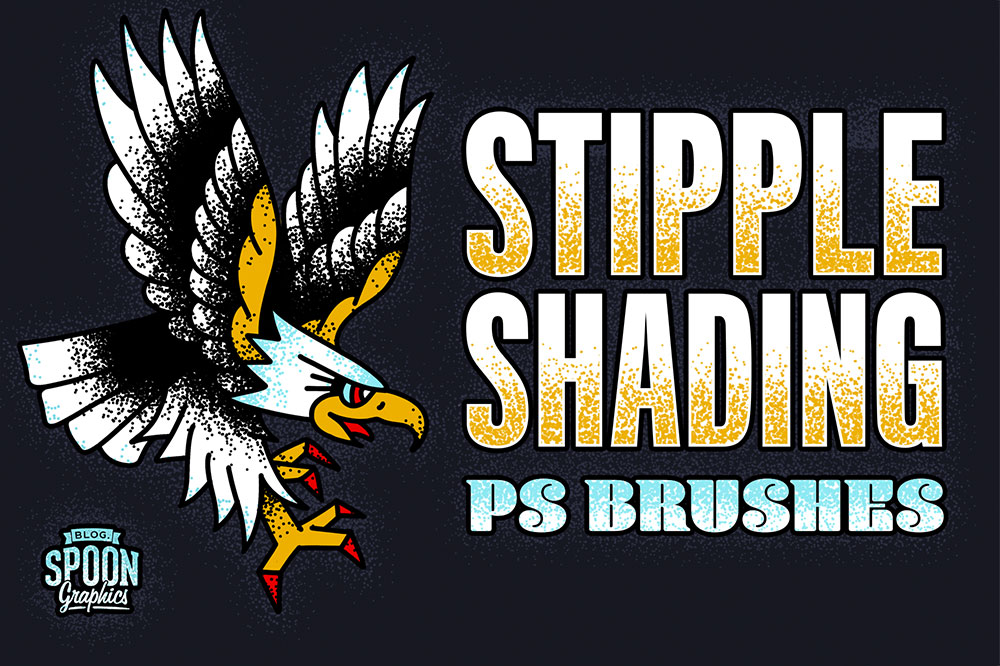
Stippling is a classic technique to add shading and colour to an illustration. Depending on the density of the dots, stippling can be used to fill areas or create gradient effects that fade out, while adding interesting stylistic and texturing effects to your work. Traditionally, stippling would be produced by manually placing each and every dot with the nib of a pen, but with this pack of Photoshop brushes, you can quickly paint thousands of dots across your artwork. With these 8 brush tips featuring varying dot spread and densities, you can easily apply a light scattering or a heavy fill with no repetitive pattern.
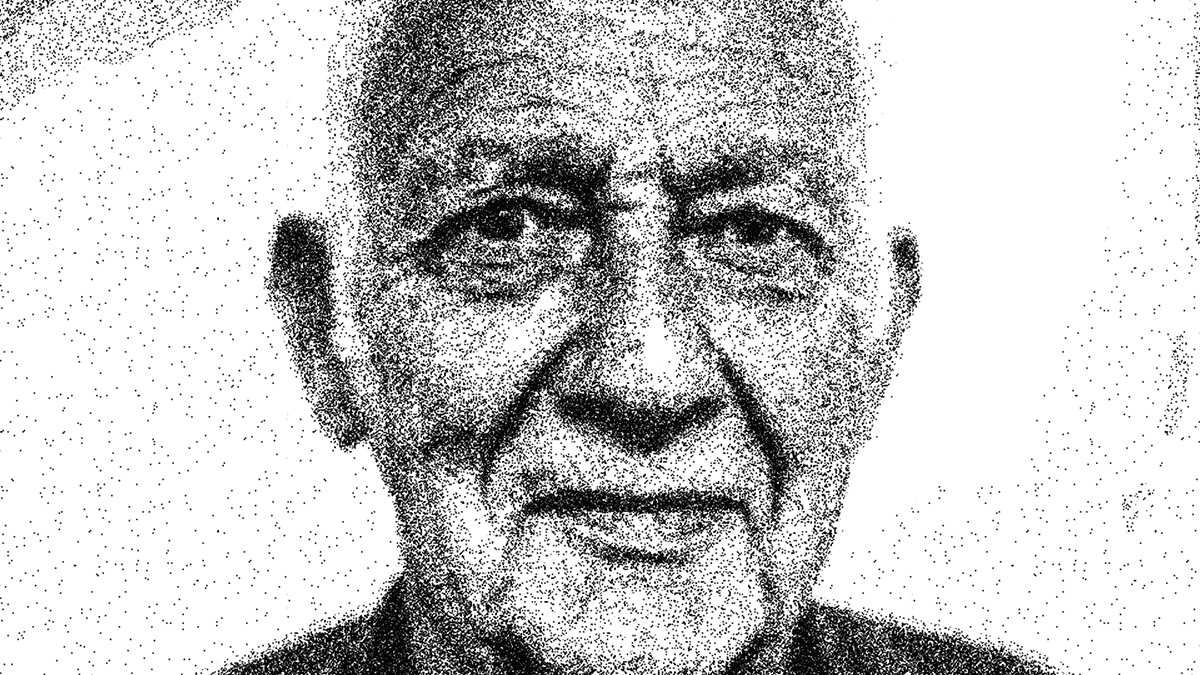
In today’s Adobe Photoshop video tutorial I’m going to show you a technique I come up with to replicate those intricate stippled illustrations that are made out of thousands of tiny dots, but without the tedious process of dabbing each dot with a pen.
When it comes to traditional art styles like this, the best results are always achieved by painstakingly working by hand for hours on end, but I think this digital effect actually looks pretty authentic. We’ll create a series of patterns which will help us fill out the spread of dots much faster, then use some simple filters to apply the stippling to an image.
I’ve been admiring some beautiful illustrations and examining the techniques the artists use to add details to their work. One popular shading method I’ve noticed is particularly prominent in apparel design and illustrations with a retro vibe is the use of stippling, where fine vector textures are added to build up tones and shade in areas of darkness. After seeing how effective this technique is, I created my own set of Illustrator scatter brushes to provide myself and my readers the tools required to create this effect. Download this pack of 8 stipple shading brushes to easily paint grungy details onto your artwork with Illustrator’s brush tool.