How To Create a Distorted Wavy Lines Effect
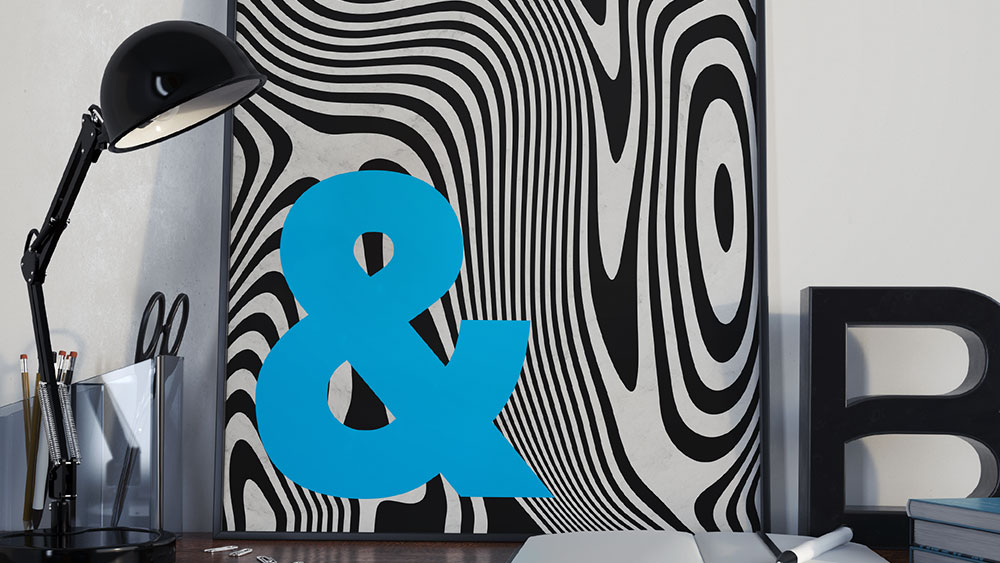
One of my latest free downloads is a set of Abstract Stripes Backgrounds, featuring a series of distorted lines in a variety of wavy layouts. One of the commenters on the post was curious to know how they were made, so I figured I’d use the topic for this week’s video tutorial. Follow along with this quick and easy process using Illustrator and Photoshop to produce these abstract creations yourself, which can then be used to make artistic posters or to add visually backgrounds to your design work.
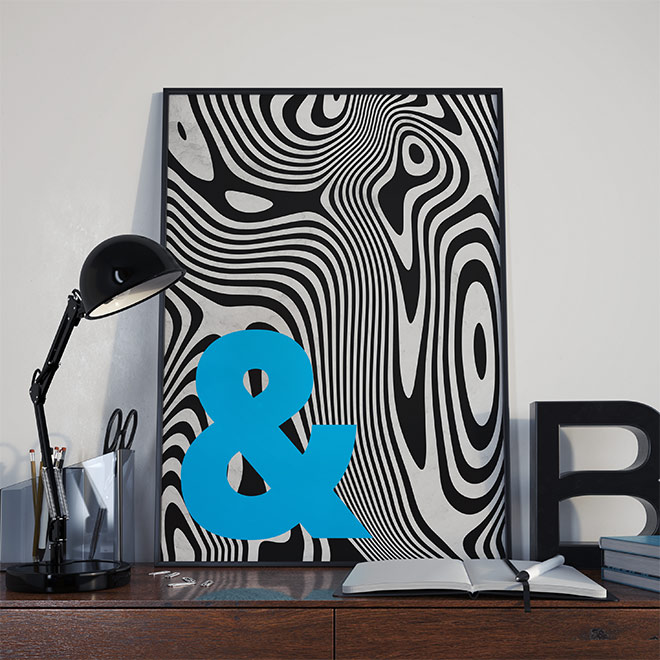
► Download my 10 Free Abstract Stripes Backgrounds – https://spoon.graphics/2NLJzEQ

You are the clever one! Cool technique! I’m imagining the possibilities! LOL
Thank you!
That’s cool! I am wondering why you didn’t take advantage of the tools already in Illustrator though, like Warp, Twirl, Pucker, Bloat, etc?