
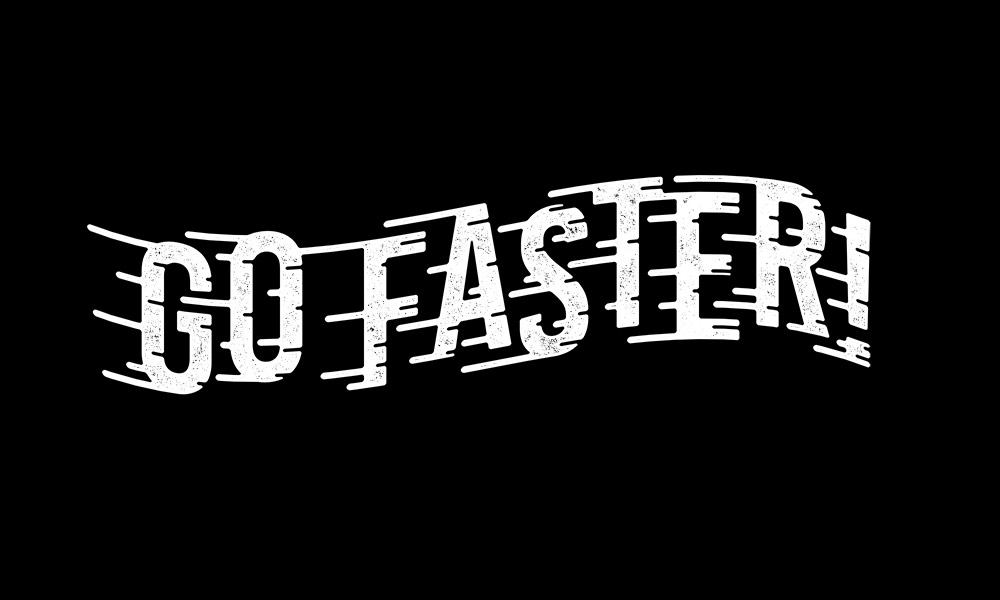
How to Create a ‘Speed Lines’ Text Effect in Adobe Photoshop
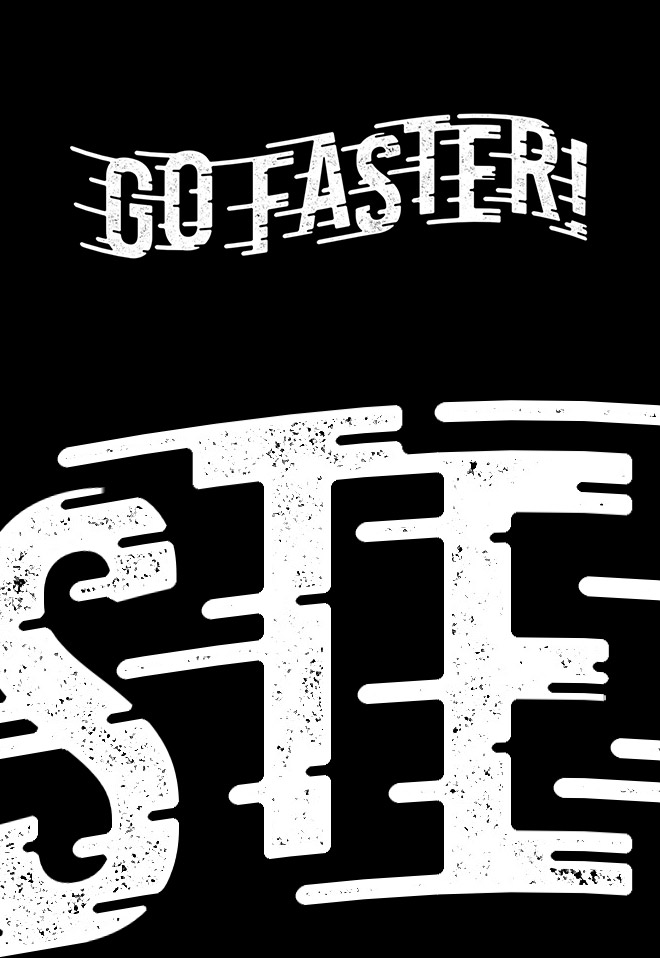
In today’s Photoshop tutorial I’m going to show you how to create a ‘speed lines’ text effect. This tutorial is an alternative to my original Speed Lines Type Effect tutorial for Adobe Illustrator from back in 2017. In that video, I showed how Illustrator’s shape building tools helped to add the fast movement lines, but I actually found this method for Adobe Photoshop to be much easier. The result isn’t a vector lettering illustration, but the use of Photoshop does give us the opportunity to easily add texturing effects.
Assets used
► Watch my Speed Lines Type Effect Illustrator tutorial – http://spoon.graphics/2uh6oL4
► Activate the Bebas Kai font – https://spoon.graphics/3gJJxRL
► Download my FREE Grainy Speckle Textures – https://spoon.graphics/3kccsgu
Check out Envato Elements for Unlimited Design Asset Downloads and Get 50% off Annual Membership – https://spoon.graphics/envato

No Comments
Comments are now closed