Search results for actions
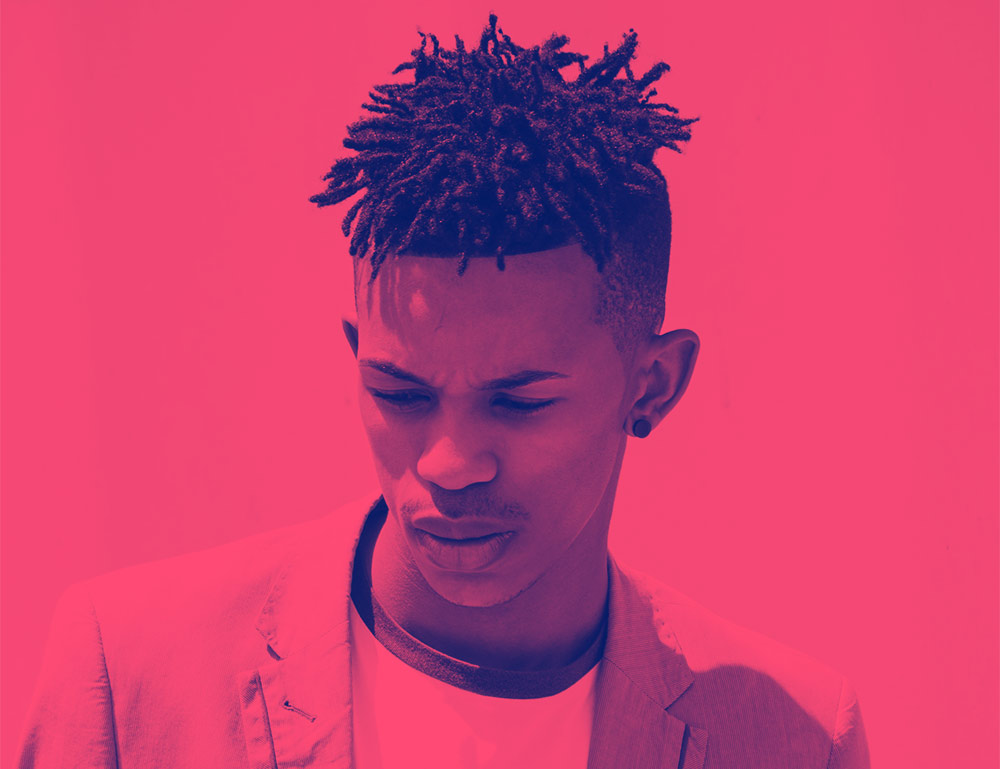
In today’s Photoshop tutorial I’m going to show you 5 ways to create the trendy Duotone look, the colourful photo effect where the shadows and highlights of an image are replaced with vibrant contrasting hues. This effect was popularised by the music app Spotify when it used the duotone effect in its promotional imagery of artists and bands. In this video, I’ll show you a selection of different methods to create the effect. Some are quick and easy, while others provide you with more control over the final result. Stick around to the end to see the easiest method using my FREE Duotone Gradient Presets, which allow you to apply various duotone colour schemes to an image with a single click.
Access All Areas members have a great set of Lightroom Presets to download this week, courtesy of PSD Stack. This Winter Collection gives your photos a clean and bright appearance with a variety of stylish looks, such as warm, bright, vibrant, dreamy, dusky or blue, and even an additional snow overlay effect. 20 tools presets and 15 photo effect presets are included in .XMP format Lightroom Classic, .DNG for Lightroom Mobile and .LRTEMPLATE for older Lightroom versions.
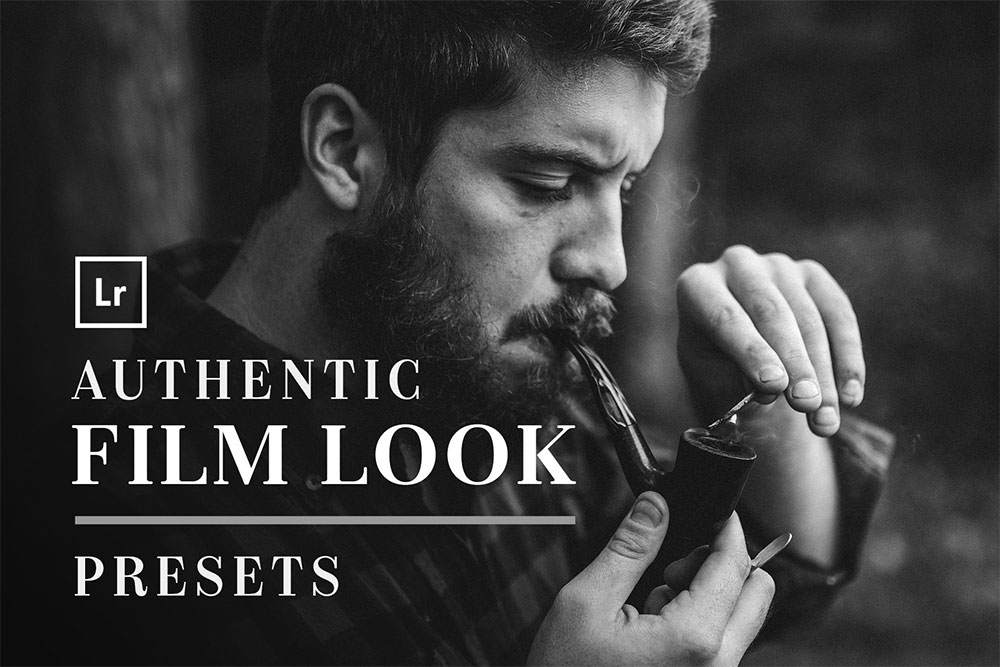
Access All Areas members have a great collection of Lightroom Presets to download this week, courtesy of Hydrozi. These Film Look presets are designed to give your photos an old school, film-style look. Compatible with Adobe Lightroom, or the Camera RAW tool within Photoshop, these presets can be applied with a single click. All the settings can then be customised should you want to tweak the result. The set contains a total of 55 presets, providing a range of colour and black & white photo effects.
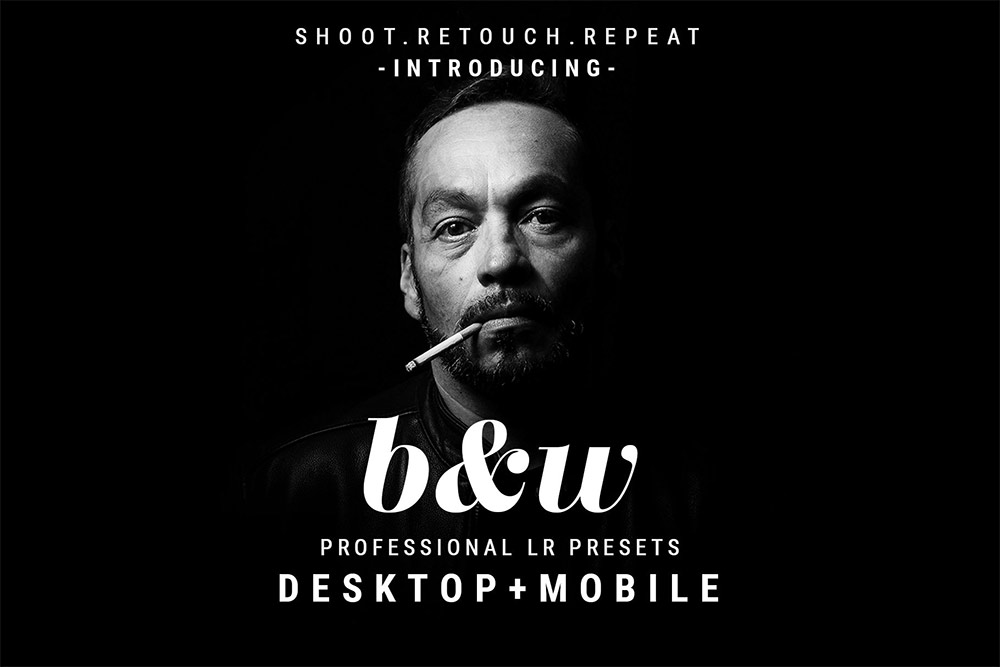
Access All Areas members have a useful collection of Lightroom Presets to download this week, courtesy of Hydrozi. These Black and White presets are designed to enhance the mood and elegance of your photographs by converting them into dramatic monochrome images. The collection contains an array of styles, including grainy effects, vignettes, HDR styles, low contrast, high contrast, film and magazine looks, giving you endless options to suit whatever the subject of your shot. Apply the effect with a single click, then tweak the individual settings if necessary to customise the result. 49 different black and white effects are included for Lightroom Desktop, Lightroom Mobile, and Camera Raw.
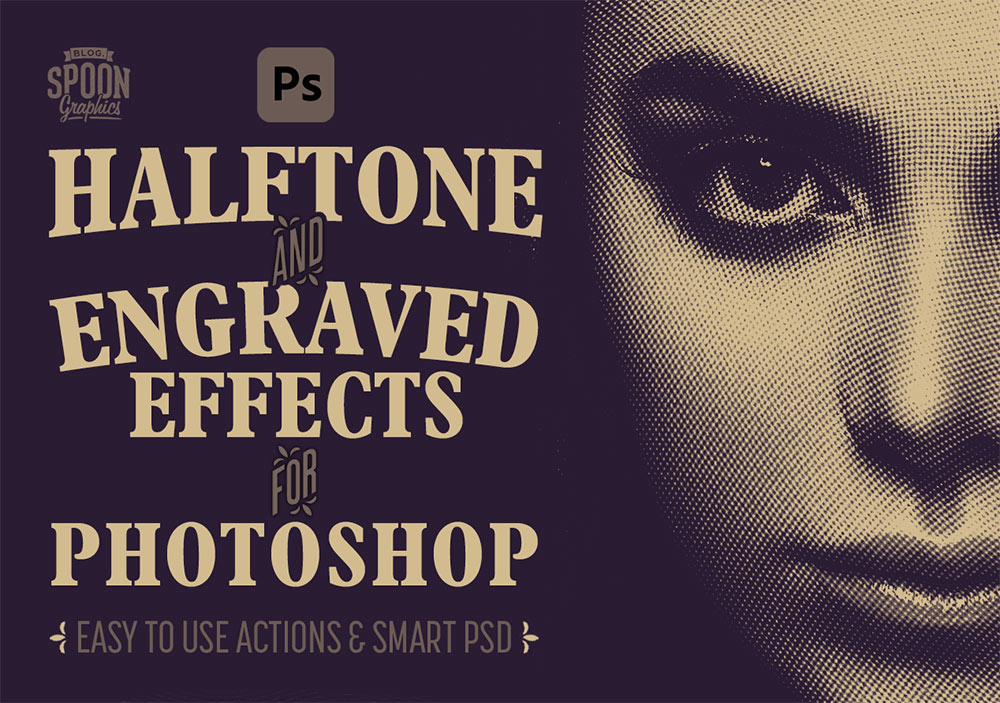
Access All Areas members have a new premium download this week! This collection of Photoshop Actions and Smart PSD allows you to easily generate halftone and engraved effects within your design work. Process your images with 9 effects via the 1-click Actions, or copy and paste your photo into the supplied PSD to apply a variety of detailed patterns that conform to the tones of the image, including halftone dots and engraving lines in various styles and sizes.
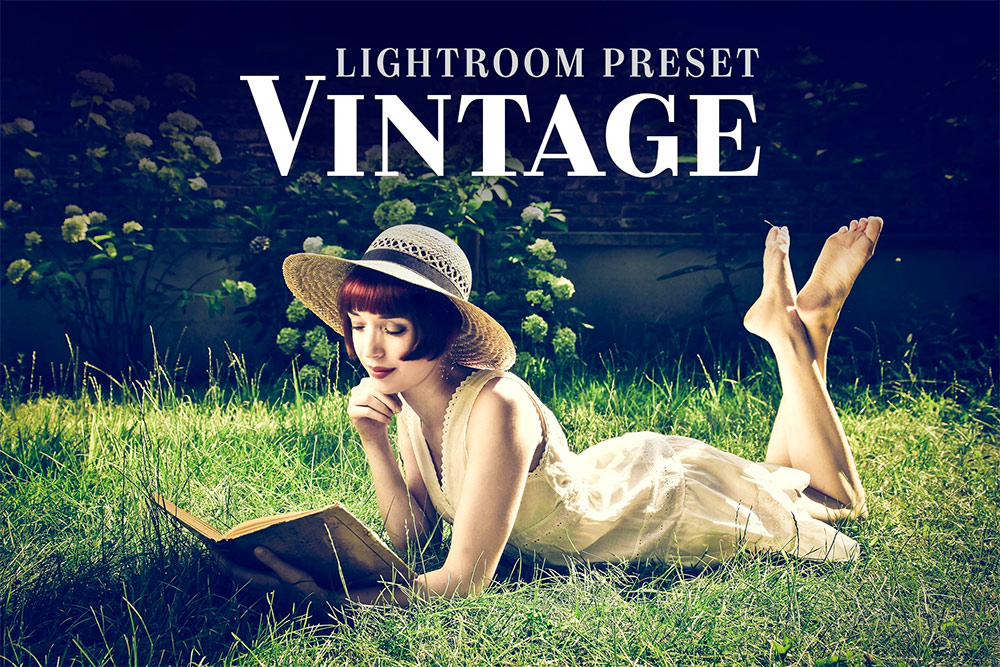
Access All Areas members have a useful collection of Lightroom Presets to download this week, courtesy of Hydrozi. These Vintage Lightroom presets are designed to make a photo feel more emotional and nostalgic by giving the image an old-fashioned appearance. Apply your chosen effect with a single click, then tweak the individual settings if necessary to customise the result. 15 different vintage effects are included for Lightroom Desktop, Lightroom Mobile, and Camera Raw.