Search results for actions
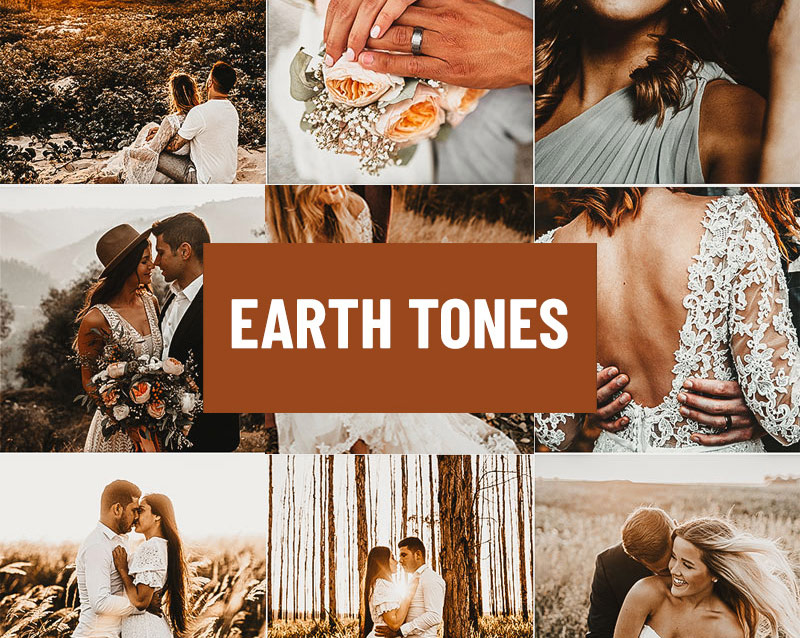
Access All Areas members have a wonderful collection of Lightroom Presets to download this week, courtesy of PSD Stack. These Earth Tones presets give your photos a warm and natural look that is ideal for enhancing your outdoor images. 14 presets are supplied in a variety of formats, including .XMP, .LRT, .DNG and .LRTEMPLATE to cover all versions of Lightroom on desktop and mobile, as well as Adobe Camera RAW.
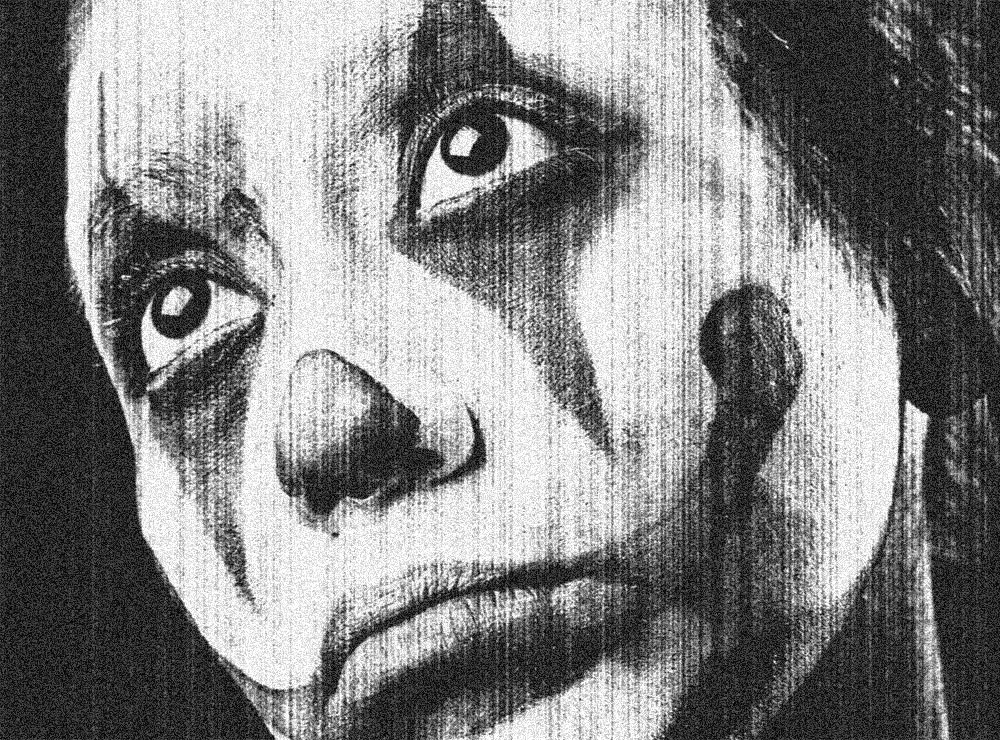
Today I’m going to share the secret behind my Photocopier Machine Actions and show you the combination of Photoshop filters that creates a grainy, high-contrast photocopied look with various dirty toner effect options.
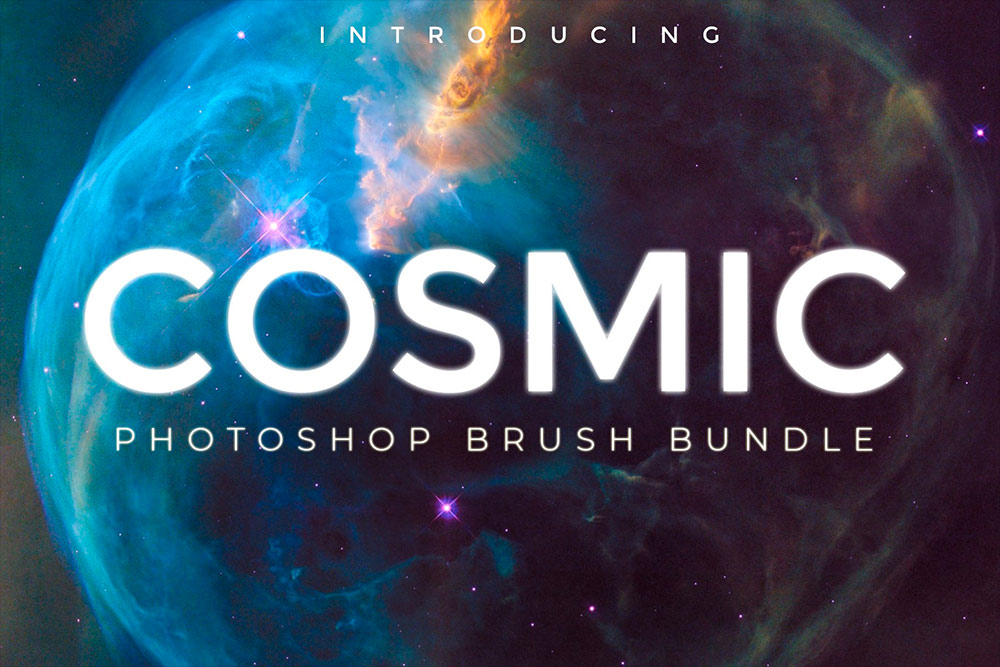
Access All Areas members have a huge collection of useful Photoshop Brushes to download this week, courtesy of James Dene of Dene Studios. The Cosmic Photoshop Brush Bundle is a compilation of multiple space-themed brush packs to provide a complete library of highly-detailed planet, moon and star graphics. Use these 3000x3000px brushes to create surreal sci-fi scenes.
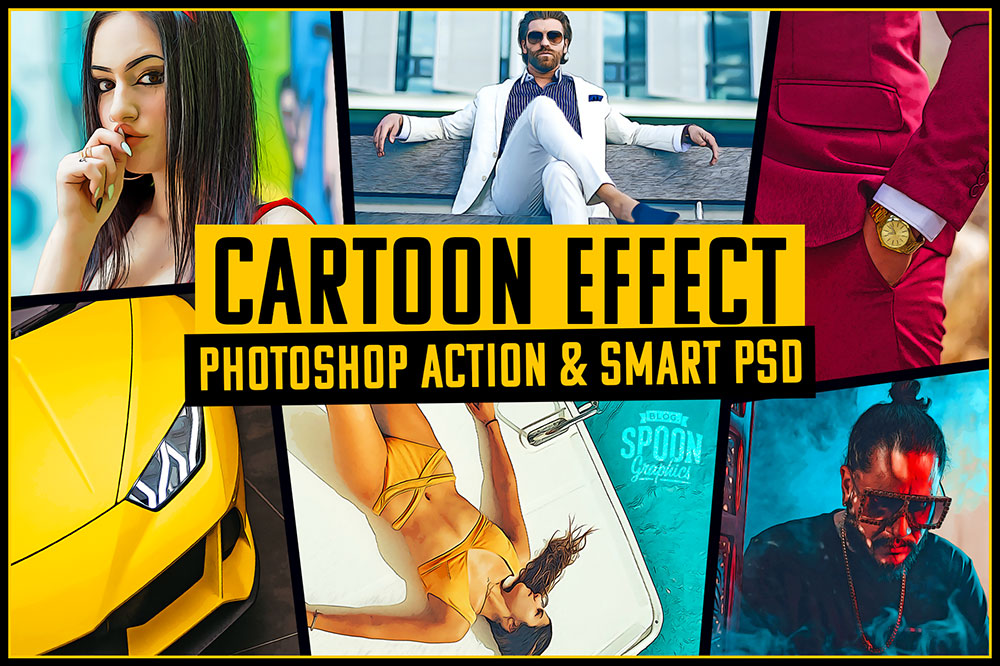
Transform real photos into a bold cartoon with just a few clicks with the help of my Action and Smart PSD for Adobe Photoshop. A series of filters and adjustments are automatically applied to your image to mimic the outlines, colours, and shading of a digitally painted image automatically, without the need to trace, paint or draw by hand. Choose between the Photoshop Action to apply the effect with a single click, or import your images into the Smart PSD. Both methods offer convenient ways to achieve the same result!
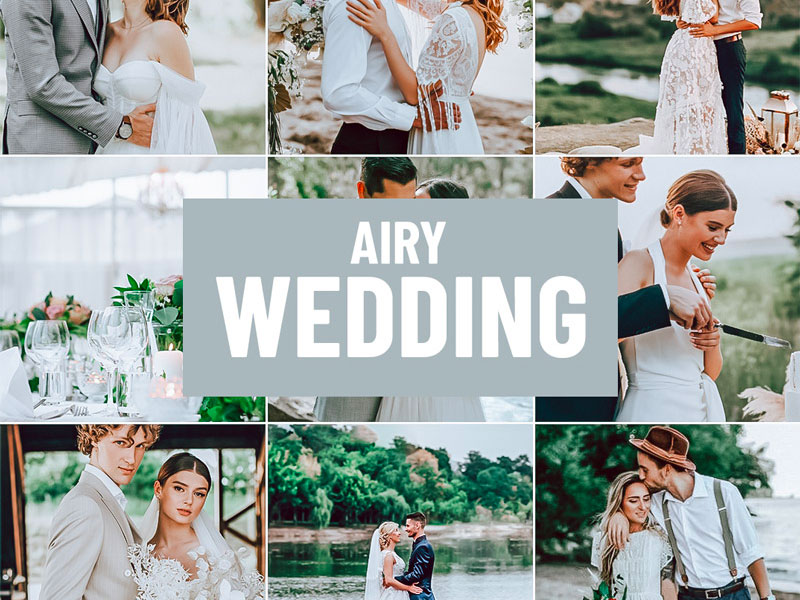
Access All Areas members have a wonderful collection of Lightroom Presets to download this week, courtesy of PSD Stack. These Airy Wedding presets give your photos a bright, clean and soft look that is ideal for creating timeless photos of unforgettable moments. 8 effects are supplied in a variety of formats, including .XMP, .LRT, .DNG and .LRTEMPLATE to cover all versions of Lightroom on desktop and mobile, as well as Adobe Camera RAW.
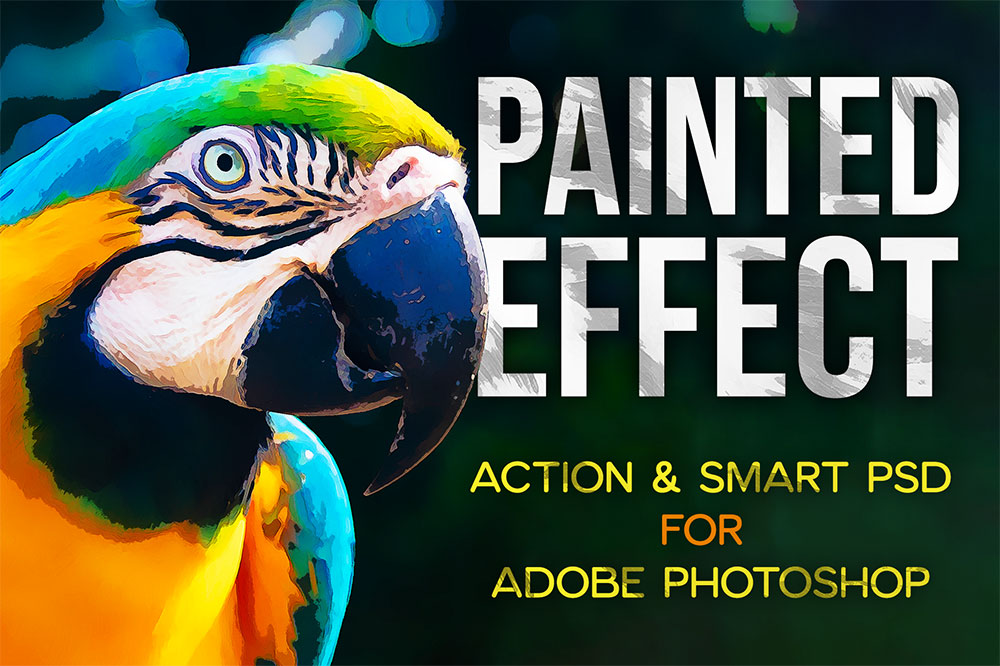
Easily give your photographs a hand-painted look in just a few clicks with the help of my Painted Effect toolkit for Adobe Photoshop. A series of filters and adjustments are automatically applied to your image to mimic brush strokes and bold smudgy colours. Choose between the Photoshop Action to apply the effect with a single click, or import your images into the Smart PSD. Both methods offer convenient ways to achieve the same result!