Search results for actions
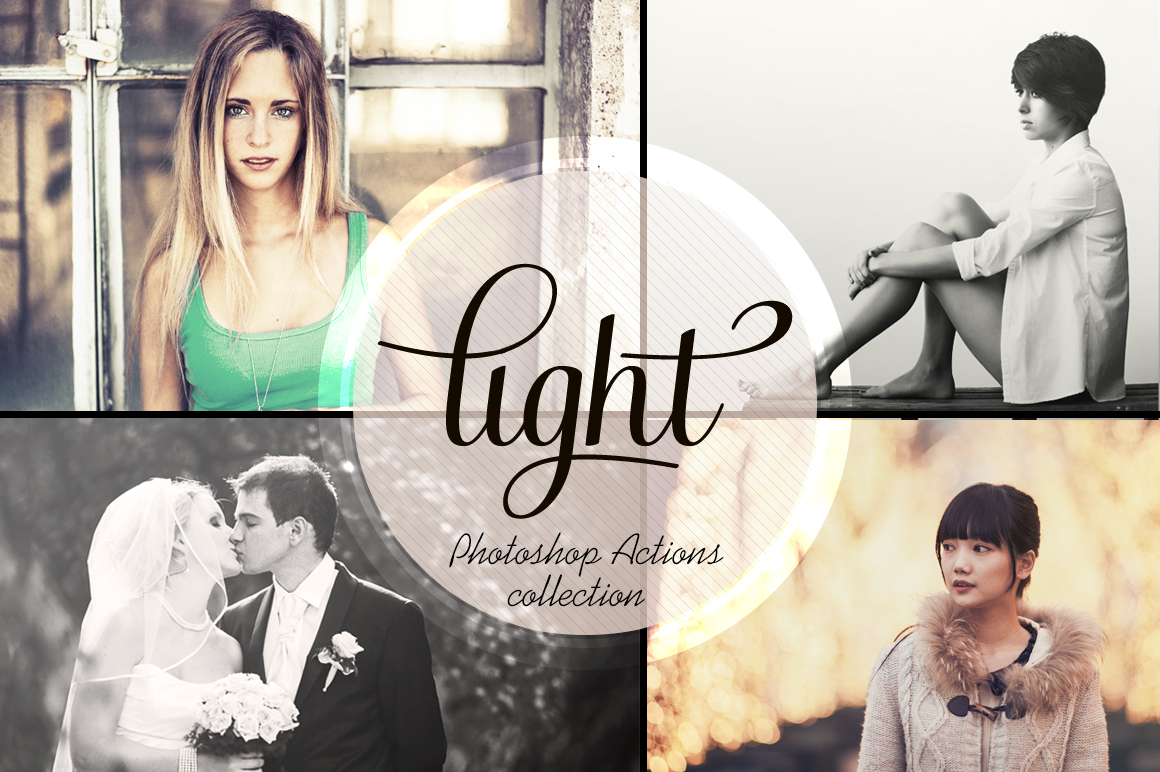
Access All Areas members can now enjoy more best selling Photoshop Actions from Tom Anders as part of their membership. Tom has already kindly donated his Season Actions and Vintage Bundle for members to download, and now his popular Light Actions Set is being added to the collection. These 14 Actions add realistic lighting and photography effects to your images with enhanced contrast, colour filters and organic hazes. They’re perfect for wedding photos, portraits, outdoor shots and landscapes.
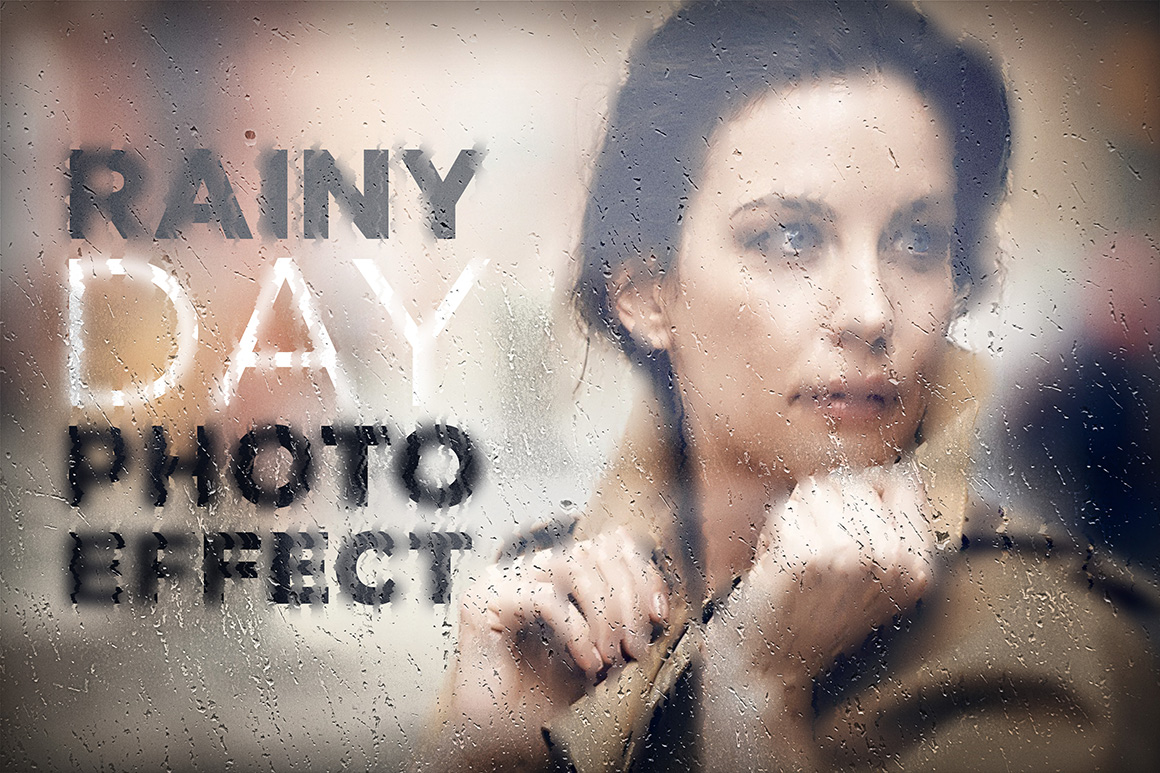
This week Access All Areas members have a unique design resource to download. This rainy day photo effect is a smart PSD that overlays a realistic wet glass effect to your images with water drops, mist and subtle refractions. It makes use of Photoshop smart objects to apply the complex adjustments, just edit the appropriate layer in the PSD and exchange the placeholder for your own photograph to give your own images a melancholy atmosphere. It’s the perfect tool for creating advertisements, movie posters or product mockups that require a cold, wet, outdoorsy feel!
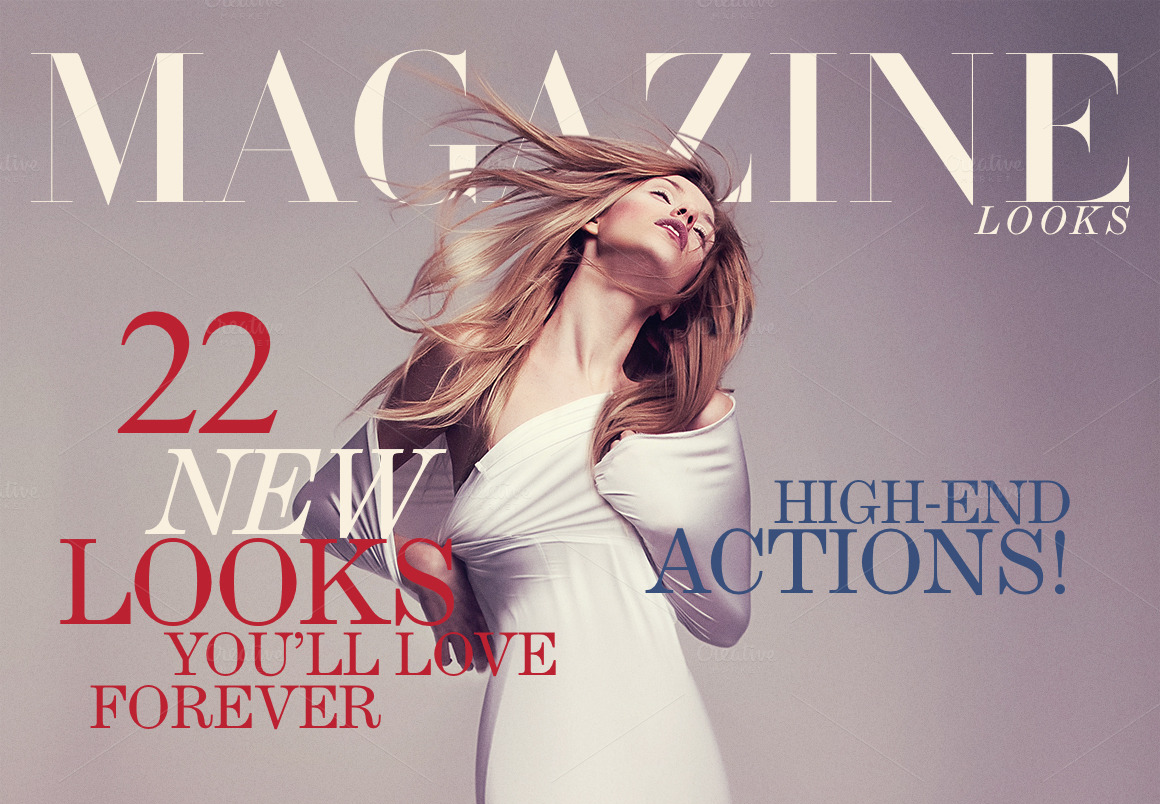
I have a brand new premium design resource to share with Access All Areas members today courtesy of Beto Alanís. This bundle of Magazine Looks Photoshop Actions instantly add glamourous high fashion photo effects to your images with the click of a button. There’s a total of 22 effects that replicate the kinds of elegant photography styles found on magazine covers with various tonal and contrast adjustments, plus 4 optional Actions to apply additional noise and sharpening effects to achieve the perfect result.
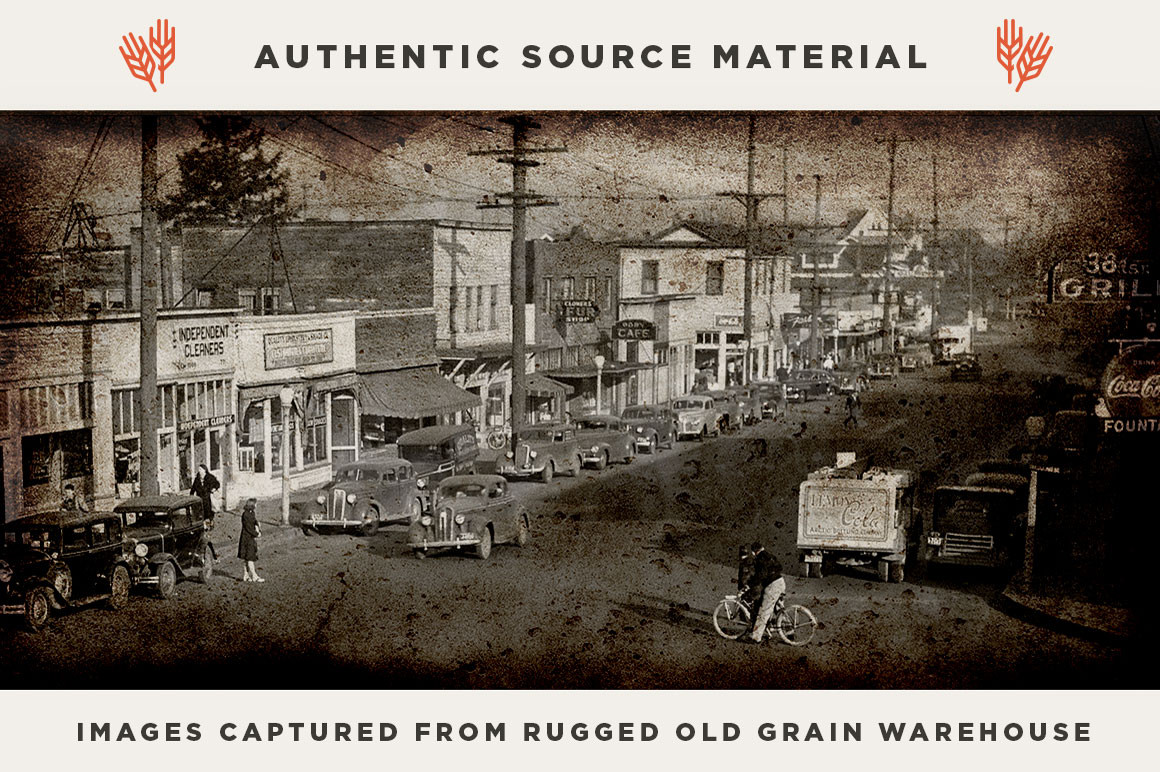
This week Access All Areas members can download a brand new design resource courtesy of RetroSupply Co. This Standard Issue Grunge Textures pack contains 20 high resolution overlays captured from a rugged old grain warehouse in central Washington. They work great when placed over your designs in Photoshop with a Multiply or Linear Burn blending mode to apply the grungy tones to your artwork. You can even stack them to create unlimited texture combinations for unique vintage effects every time!
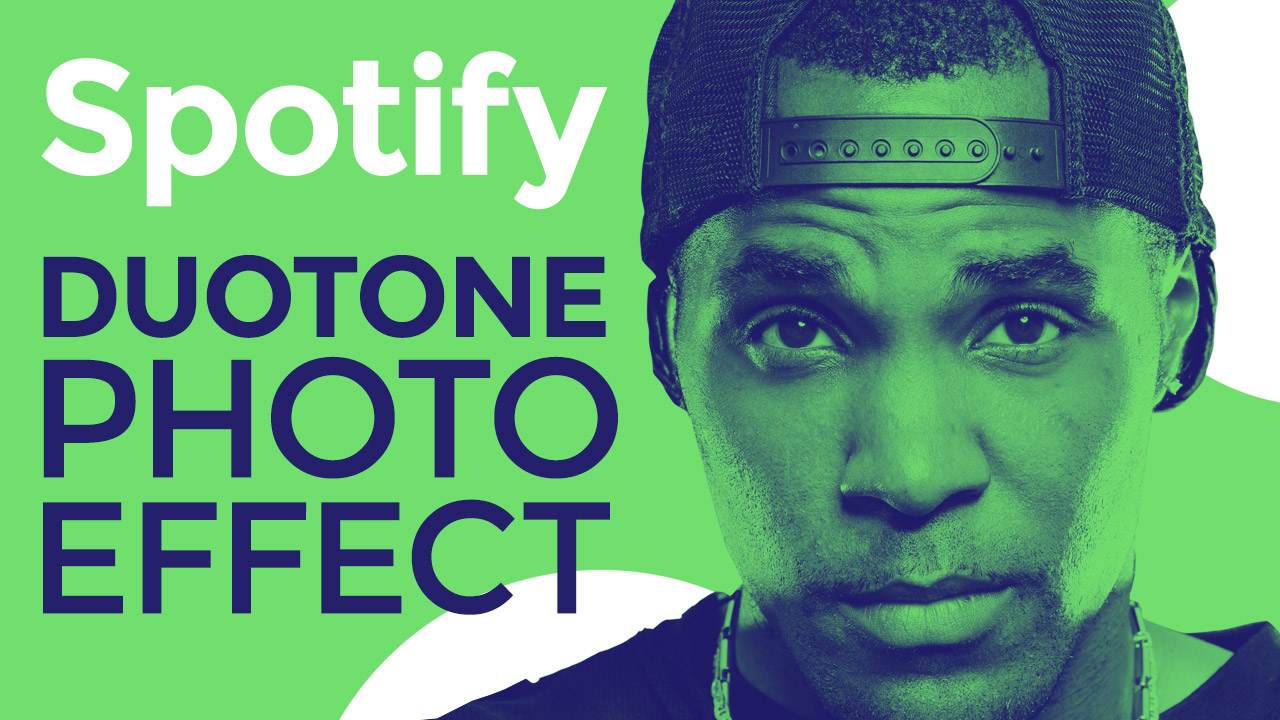
In today’s video tutorial we’re going to play around in Adobe Photoshop to create a duotone photo effect inspired by the recent Spotify rebranding, where the artist and band photos are colorized with two vibrant hues. A simple Gradient Map does most of the work, but I’ll take you through some extra steps to help you achieve the best results. The key to this effect is finding two colours that perfectly complement each other, so I’ve included a Photoshop Action that will apply a bunch of colour combinations for you to choose from.
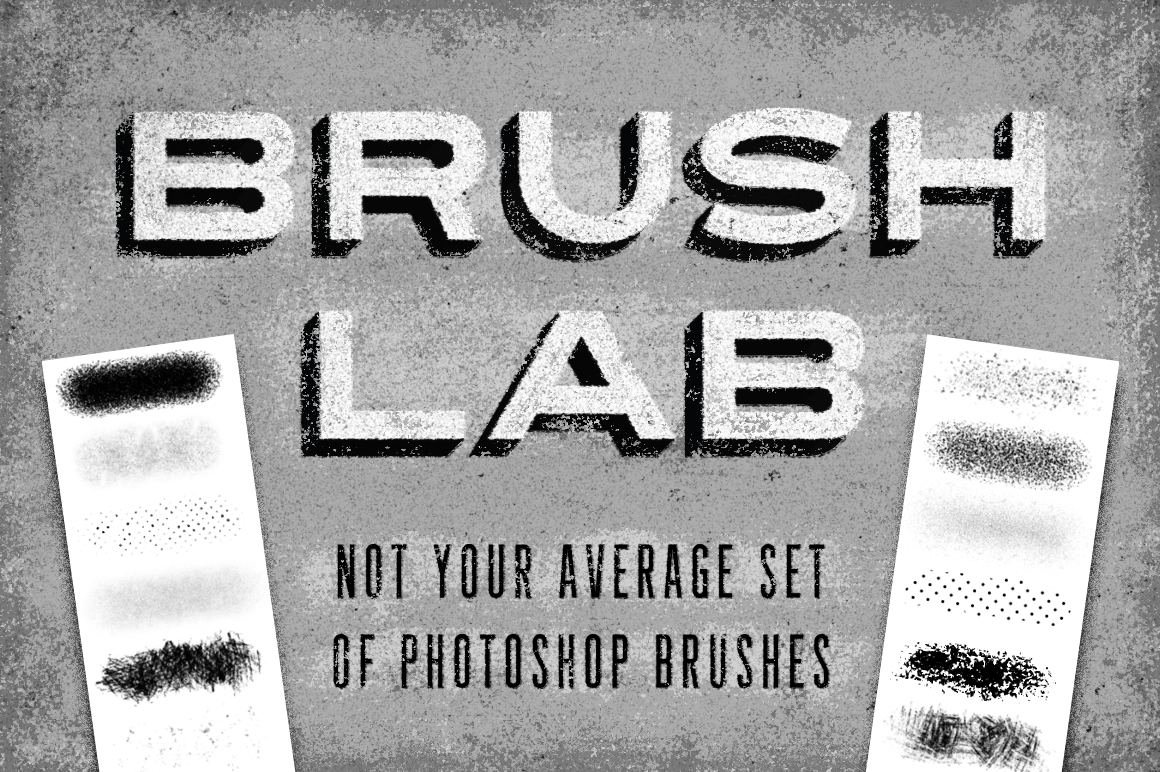
I have a brand new resource for my Access All Areas members this week, courtesy of Sivioco. Brush Lab is a collection of over 90 Brushes and 5 Actions, but these aren’t your average Photoshop brushes! The problem with a typical texture brush is it doesn’t really behave much like a brush at all. Rather than being able to paint with them, you usually have to click repeatedly across your canvas, building up areas of texture click by click. With Brush Lab, Sivioco has created a unique set of Photoshop brushes that solves this problem, giving you the ability to effectively “paint” texture onto your canvas for a quicker, smoother, more natural experience.