
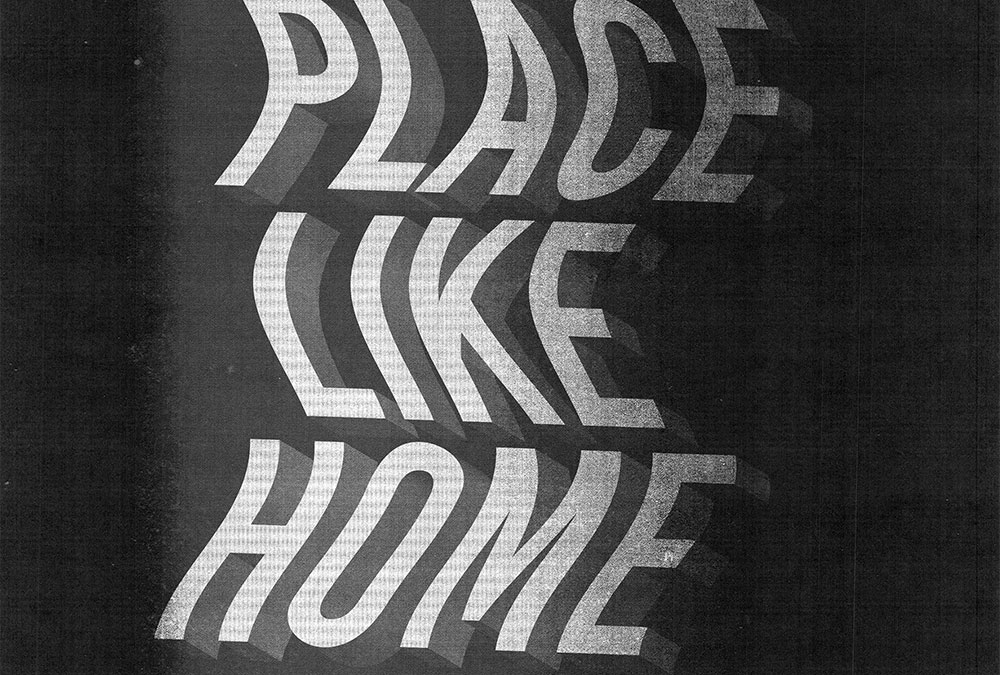
Wavy 3D Distorted Text Effect in Adobe Illustrator
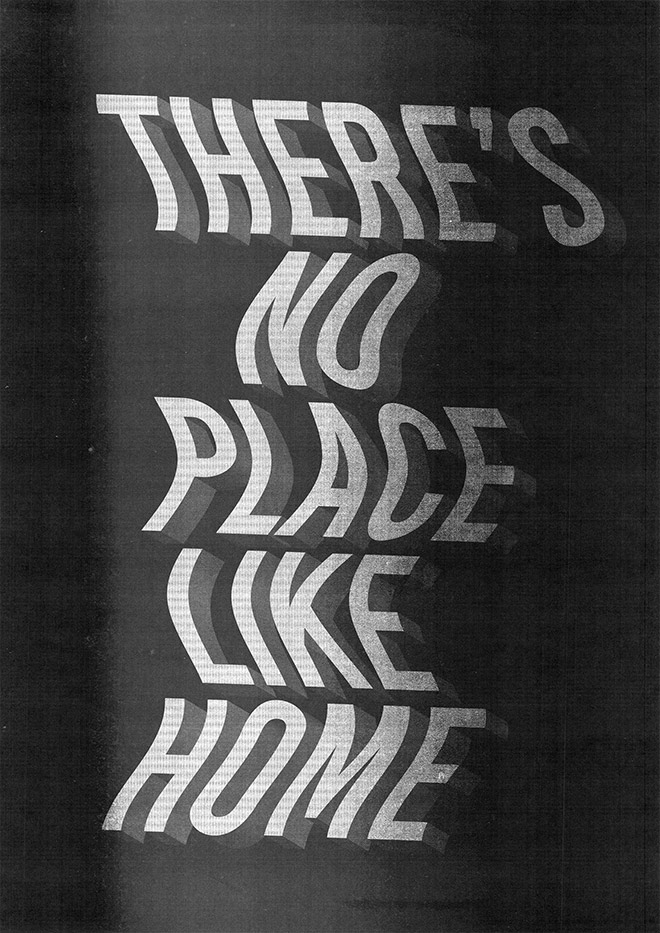
In today’s Adobe Illustrator tutorial I’m going to take you through the process of creating this cool type-based artwork that combines wavy distortions with 3D text effects. It’s ideal for creating interesting quote art or visually interesting poster designs. We’ll begin by applying the wavy distortion to the type, then I’ll show you how you can really enhance your text effects with Illustrator’s 3D tools. To turn the vector art into a grungy poster, we’ll finish it off with one of my photocopy textures from Spoon Graphics.
Assets Used
► Activate the Bebas Kai font – https://spoon.graphics/3gJJxRL
► Purchase my Photocopy Effects Kit – https://spoon.graphics/2tCRyQa
Check out Envato Elements for Unlimited Design Asset Downloads and Get 50% off Annual Membership – https://spoon.graphics/envato

No Comments
Comments are now closed