
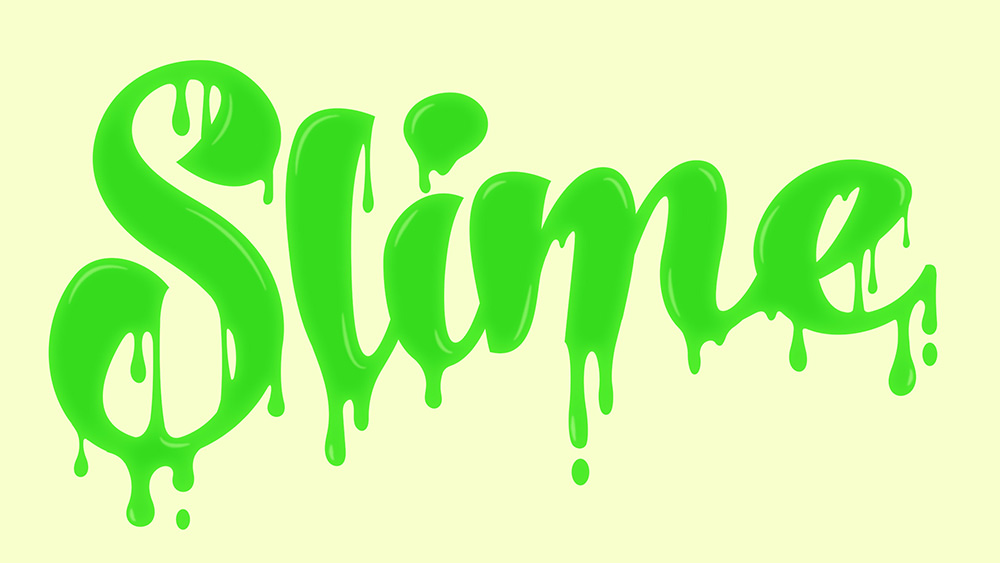
Dripping Slime Type Effect in Illustrator
In today’s Adobe Illustrator tutorial we’re going to have some fun creating a gooey slime effect with some custom type. You could apply this to your own hand lettering pieces, but I’m going to be using a ready made font, which I’ll be customising with the vector drip shapes. Once the outline is complete, we’ll then add some bright colours to make the ooze radioactive, then use a simple trick with the brush tool to draw some highlights.
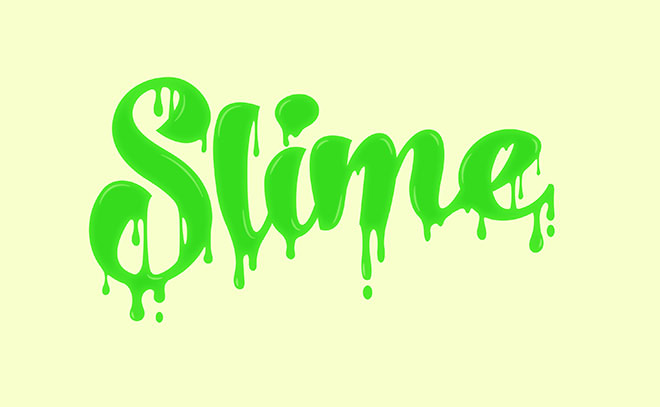
► Buy the No. Seven font used in this video – https://spoon.graphics/nosevenfont

Great tutorial! Thank you!
Glad you liked the tutorial!
Great tutorial man.
Thumbs up!
Thank you!
Absolutely golden post. Thank you for posting this mate! Greeting, Eduard
Thank you for your comment Eduard!