Tutorials
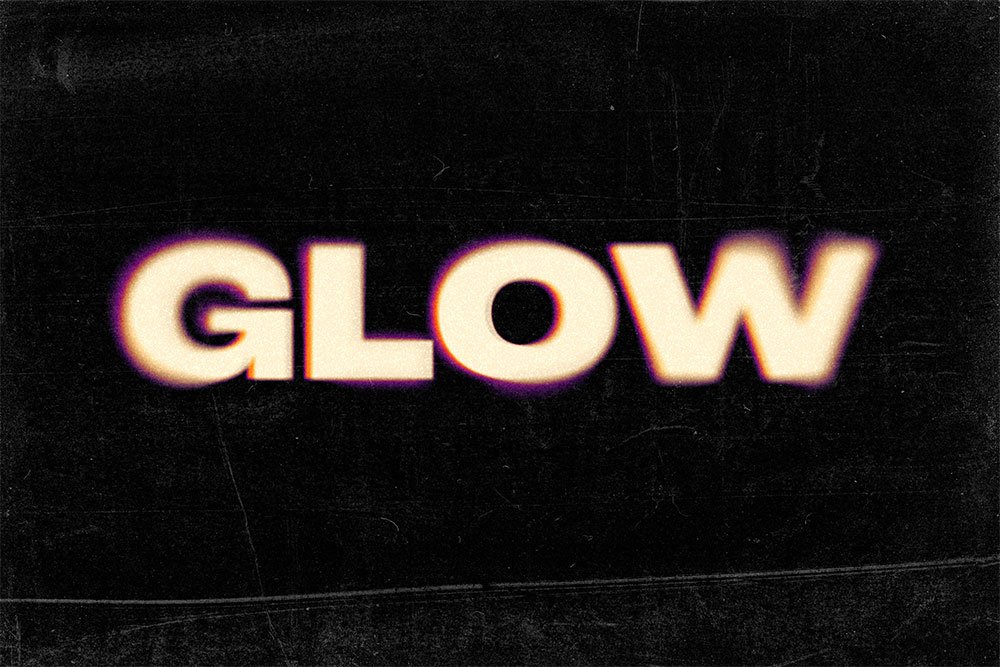
This Photoshop glow effect has a cool retro vibe with its colourful gradient halos and blurry outlines, especially when combined with grainy textures to enhance the low-fi look. In this tutorial, I’ll show you how to make it in Photoshop and provide links to the free assets you need from my Spoon Graphics website.
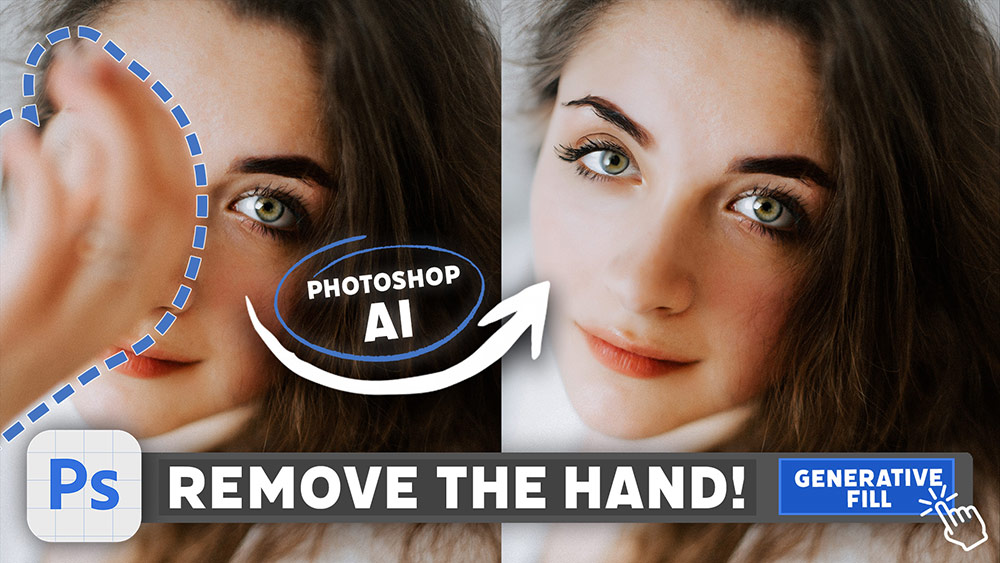
No doubt you’ve seen some mind-blowing examples of Photoshop’s new AI-powered Generative Fill feature! Today I’m going to show you how to access it yourself in Photoshop Beta and share some examples of ways you can make use of this magical new technology to enhance your images. Stick around until the end because I really put it to the test with some surprising results!
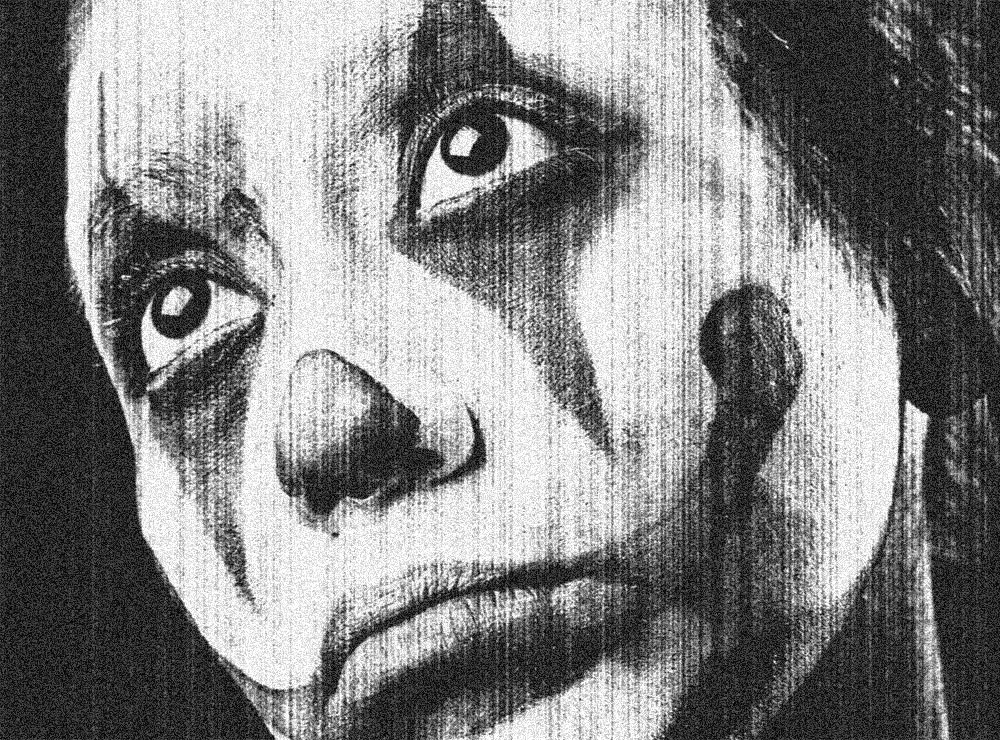
Today I’m going to share the secret behind my Photocopier Machine Actions and show you the combination of Photoshop filters that creates a grainy, high-contrast photocopied look with various dirty toner effect options.
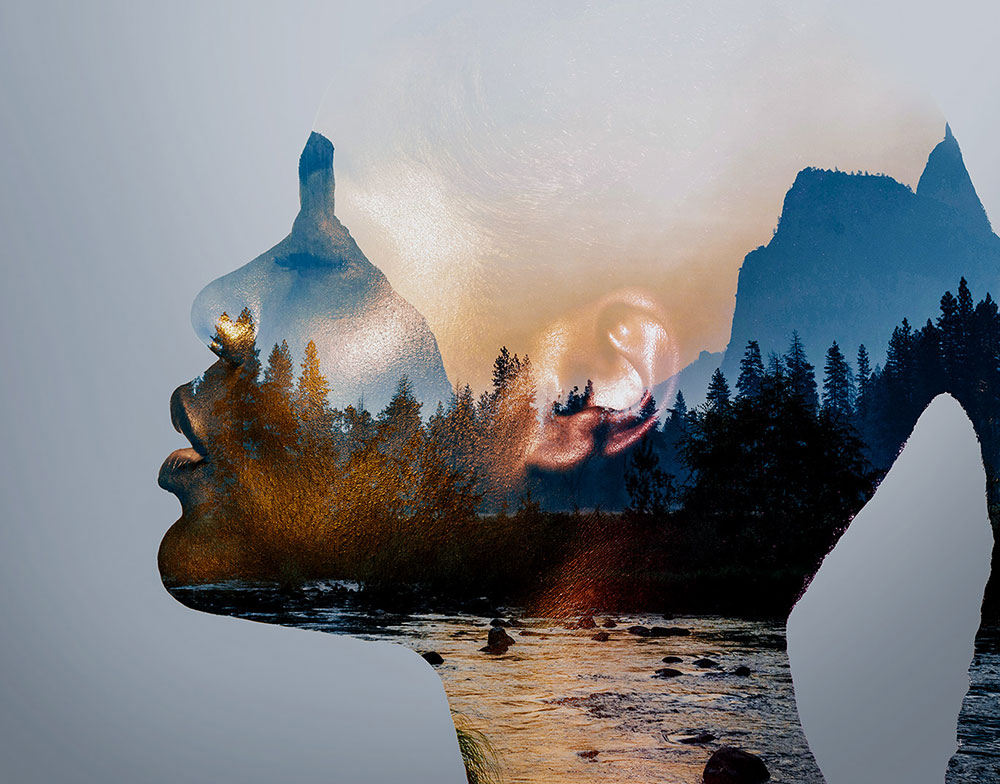
With the advent of AI, the process of creating the double exposure effect has become so much easier. Not only do we not need a camera. We don’t even need any source images because AI tools like Midjourney can conjure them itself! So let’s see how powerful Midjourney is at producing double exposure images and see whether it replaces Photoshop and even the original analogue film method.
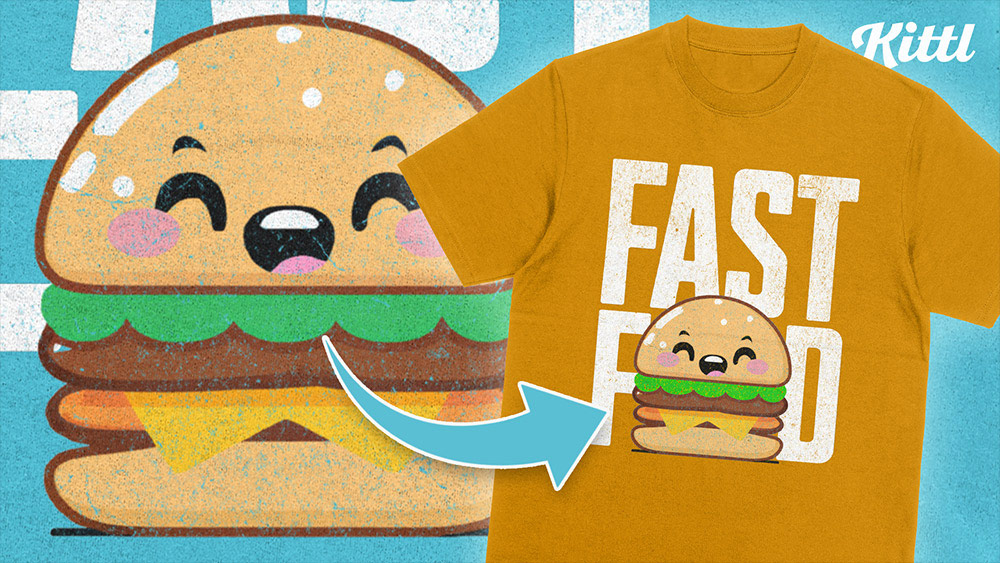
So far in my journey of exploring the capabilities of AI I’ve just used it to create fun images, but the new AI tool in Kittl gives an exciting insight into how AI can be incorporated into design software and used in real creative projects. See it in action as I easily create a cute T-shirt with an automatically generated character illustration and preview the design with Kittl’s built-in mockup library.
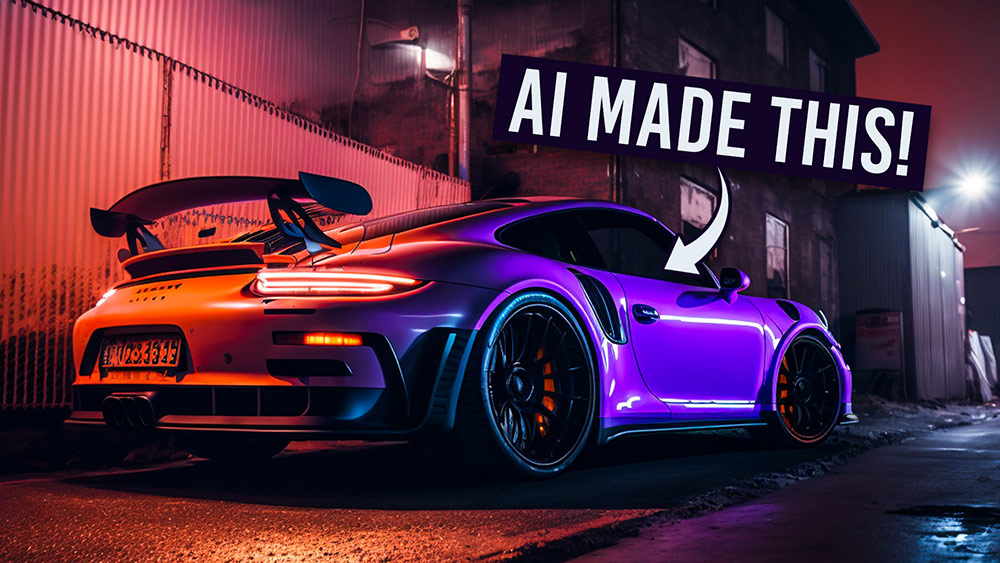
If like me, you’re a bit of a car enthusiast, you might enjoy making all kinds of cool AI-generated automotive imagery. In this video, I’ll show you some simple Midjourney prompt ideas to create stunning car photos, surreal concept cars, interesting car mashups, and reinterpretations of your favourite car in some crazy styles.