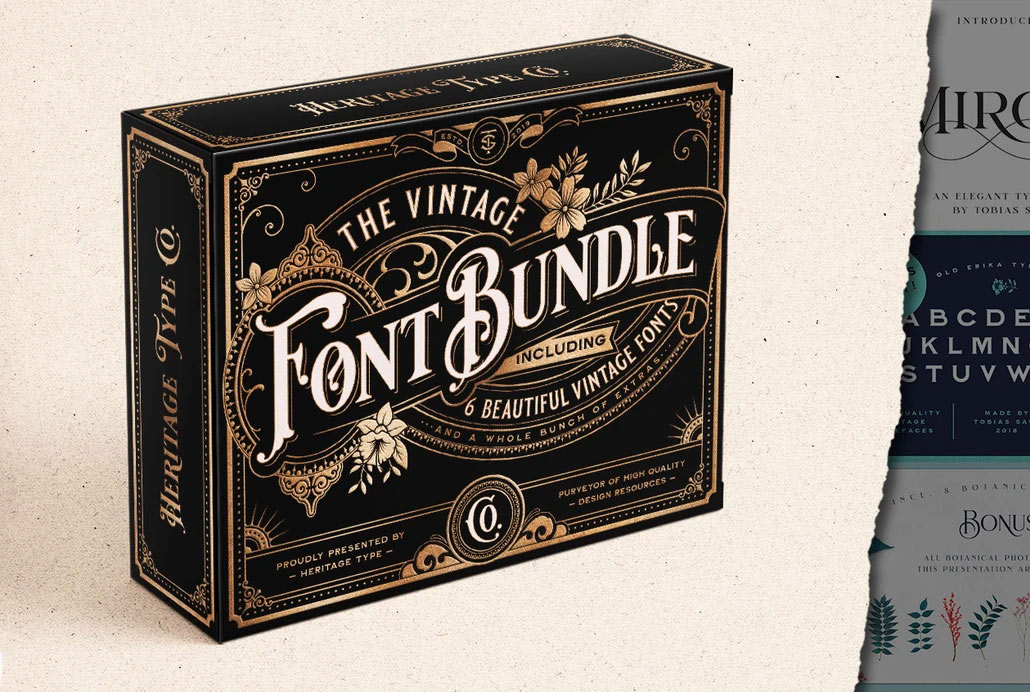
There are many vintage fonts out there, but not many have been expertly crafted by a talented lettering artist who lives and breathes the vintage aesthetic. The Vintage Font Bundle from Heritage Type Co. contains 6 typefaces designed by Tobias Saul, whose inspirational vintage logos and type designs have been featured many times in showcases on Spoon Graphics. These beautiful fonts authentically capture the style of late 19th to early 20th century lettering and are packed full of features, such as alternate characters, ornamental graphics, and even ready-made logo templates. The bundle is currently on offer with 70% off, but I’ve teamed up with Heritage Type Co. to offer Spoon Graphics readers an extra 10% discount code, making the final price $44 ($149). Use the code SPOONER during checkout to secure the best price around!
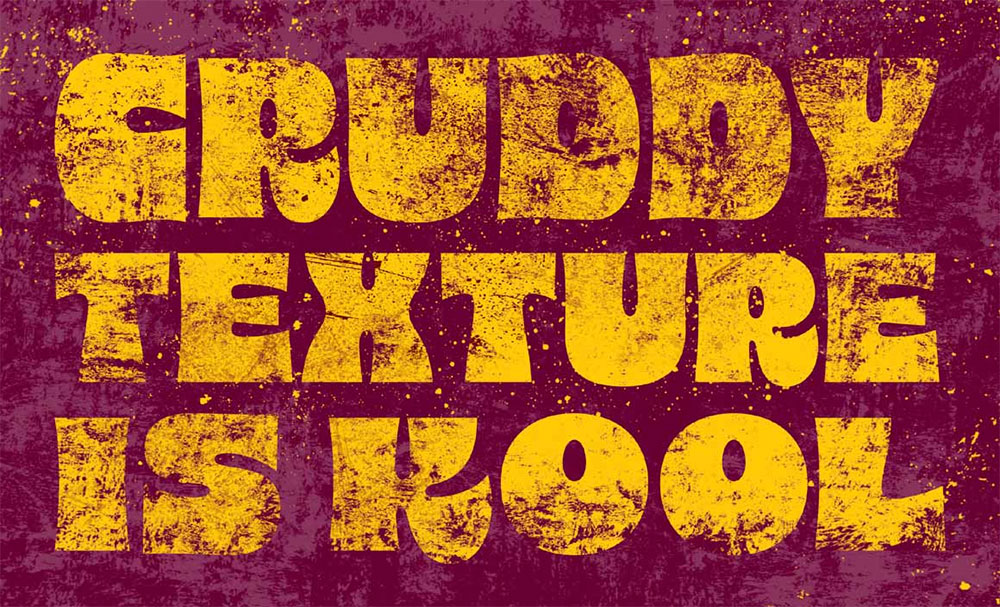
Beautiful Decay is the latest release over at RetroSupply, handcrafted by legendary designer Von Glitschka. This pack of 114 high-impact spot texture brushes is built to wreck your digital perfection – in the best way possible! Whether you’re adding subtle wear or full-on visual obliteration, this pack gives you total control: fast, flexible, and filthy in all the right ways.
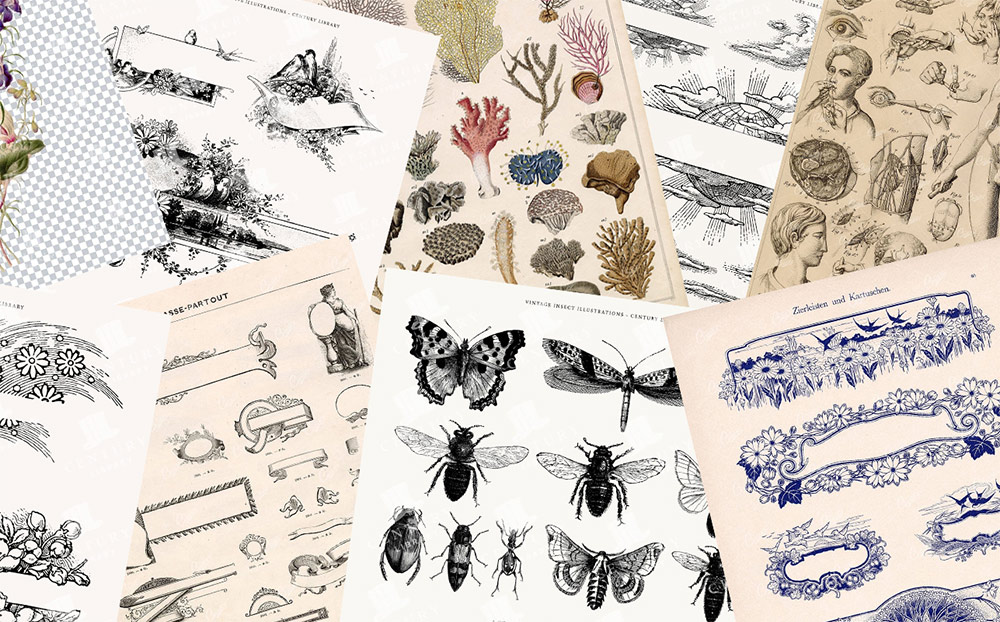
Download thousands of genuine vintage graphics that have been expertly restored into ready-to-use digital assets from Century Library. For just $1, you can enjoy unrestricted access to the entire archive of illustrations, patterns and textures to inject authentic vintage graphics into your designs and artworks.
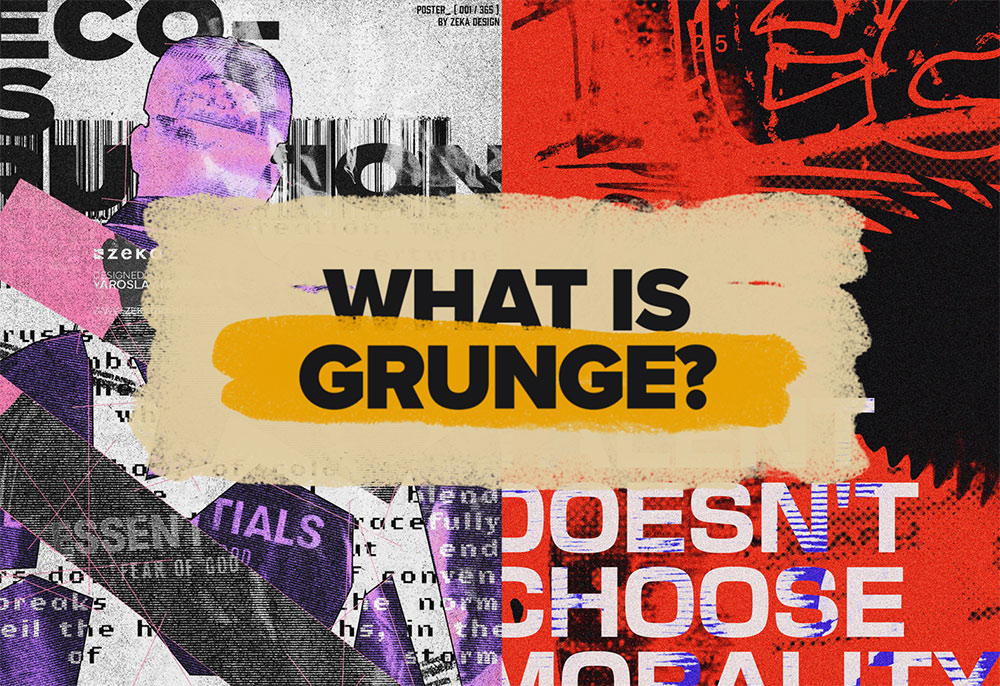
It’s raw. It’s messy. And it refuses to play by the rules. Grunge isn’t just a style—it’s an attitude. From underground zines to modern digital design, grunge has always been a rebellion against perfection. But why does this chaotic, textured look never seem to go away? Let’s break it down in this design trend deep dive.
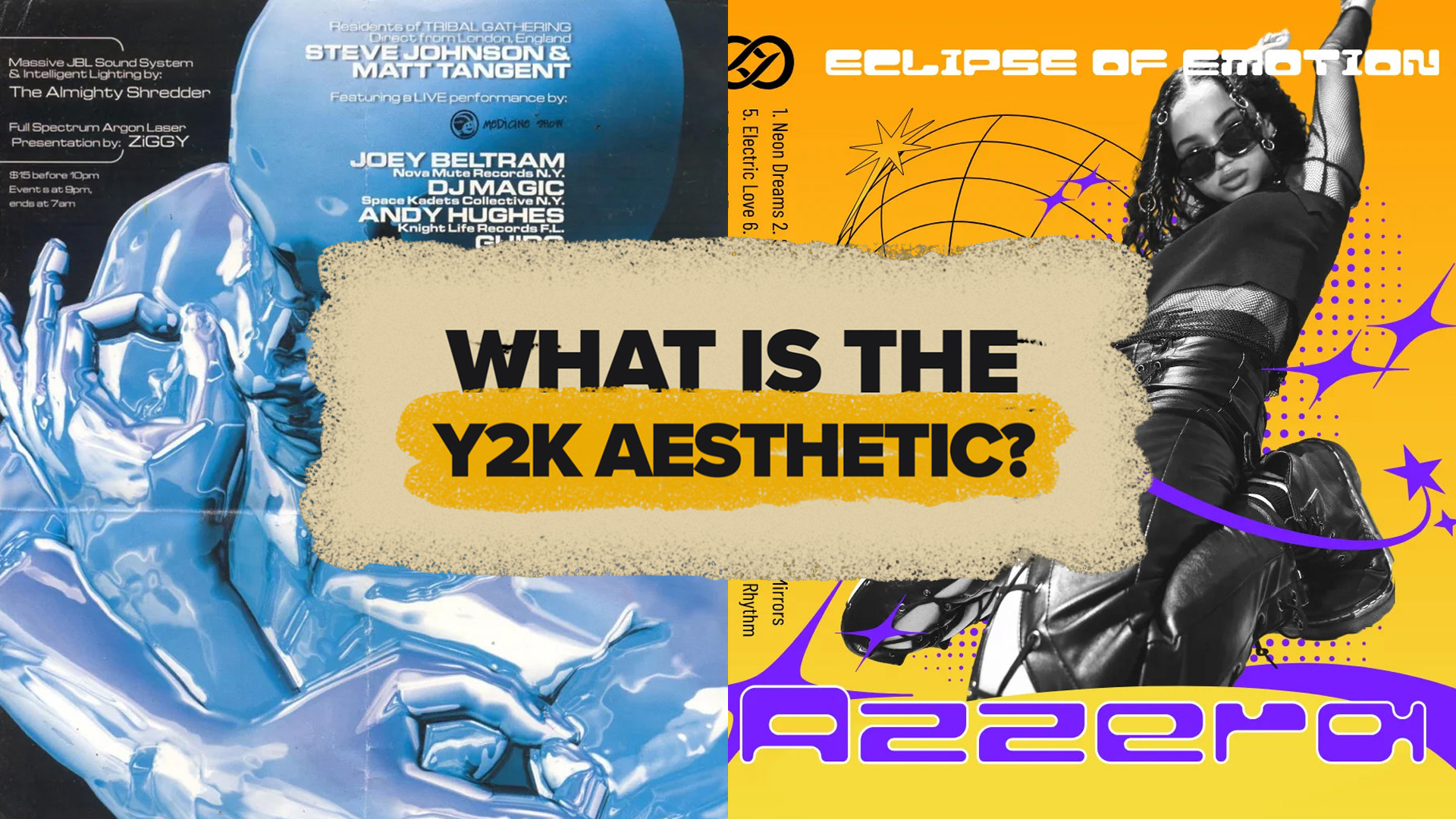
The Y2K aesthetic is back and it’s taking over fashion, graphic design, and even our digital spaces. It’s nostalgic, futuristic, and chaotic all at once. But what makes this turn-of-the-millennium aesthetic so appealing in 2025? And how can you incorporate it into your own designs? Let’s dive into the world of Y2K and see why this retro-futuristic style is making waves again.
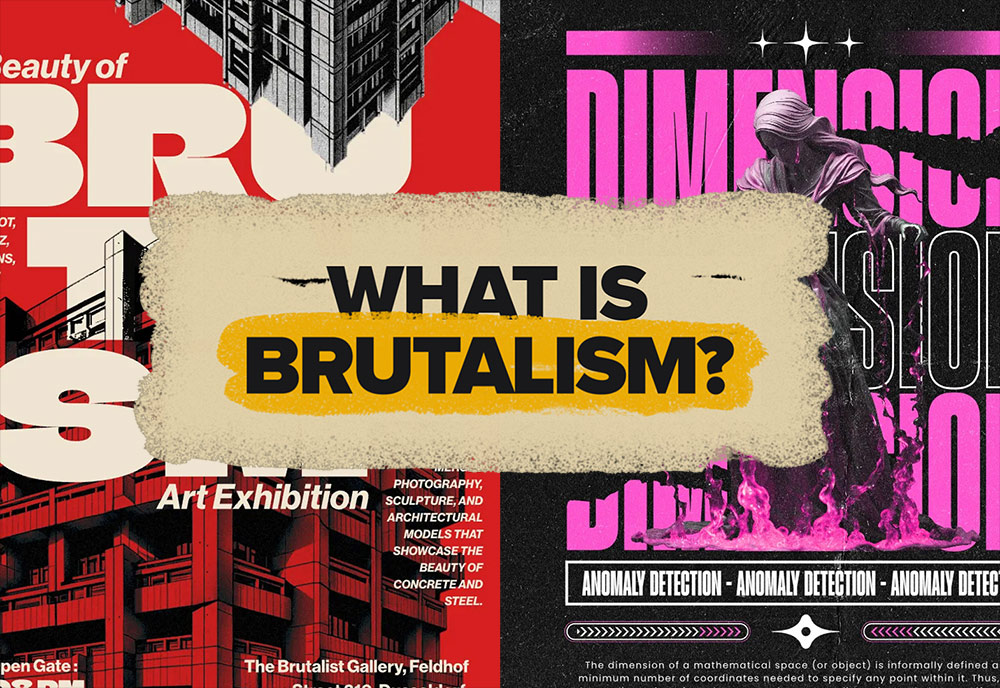
Brutalism: it’s raw, it’s messy, and it’s unapologetically bold. Whether you love it or hate it, there’s no denying its impact on design today. From clunky websites to avant-garde posters, Brutalist design is everywhere—and it’s making a comeback. But why? And how can you use it in your own work?Stick around as we break it all down in this deep dive into Brutalist graphic design.